
Filters
Level
Grade
Subject
Subject Area
Subject Topic
Standard(s)
Audience
Keyword
DurationMinutes
Lesson Plans
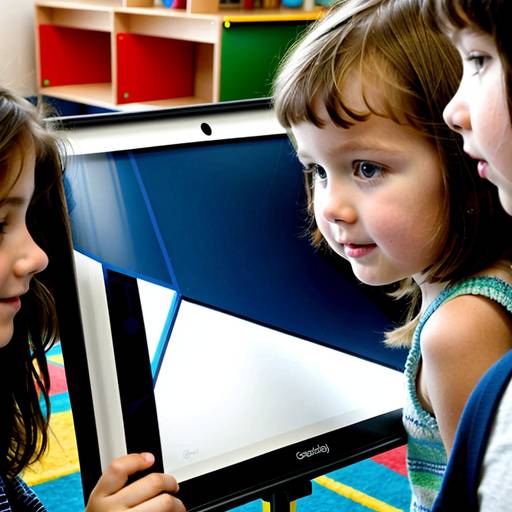
In this preschool lesson plan, students will engage in a creative exploration of art using technology. The session begins with a discussion about the nature of art and the various ways it can be created, both traditionally and digitally. Children will then be introduced to drawing apps on tablets, where they will learn to navigate basic functions such as choosing colors and brushes.
After a brief demonstration, students will have time to create their own digital artwork based on a given theme, incorporating music to enhance their creative process. Teachers will circulate to support and engage with the students, encouraging them to articulate their artistic choices.
Following the creative session, students will gather to share their artwork with the class, with their digital creations displayed on a projector. The lesson concludes with a reflection on the different methods of artistic expression and the value of both technology and traditional art forms.
Assessment will focus on student engagement and creativity, with extension activities available to further integrate art and technology into future lessons. This comprehensive approach fosters creativity, communication, and fine motor skills among the preschoolers.
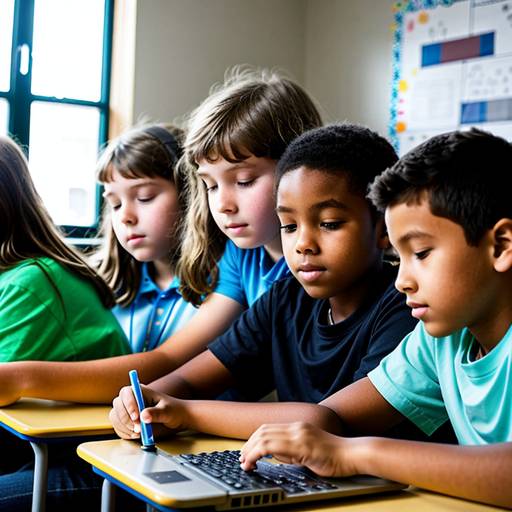
In this 5th-grade technology lesson plan, students will explore the basics of coding and programming languages through engaging discussions and hands-on activities. The lesson begins with an introduction to coding, including key vocabulary terms such as algorithm and debugging. Students will learn about different programming languages, with a particular focus on Scratch, a user-friendly platform for beginners.
The primary activity involves students logging into their Scratch or Code.org accounts to create simple animations or games using block coding. Throughout the activity, they will be encouraged to document their algorithms and troubleshoot any issues they encounter.
To conclude the lesson, students will have the opportunity to showcase their projects to classmates, discussing their learning experiences and the challenges they faced. Assessment will focus on student participation, project creativity, and comprehension of vocabulary. Extensions for advanced learners and adaptations for those needing additional support ensure a tailored learning experience for all students. Overall, the lesson aims to provide students with a foundational understanding of coding while fostering creativity and critical thinking skills.
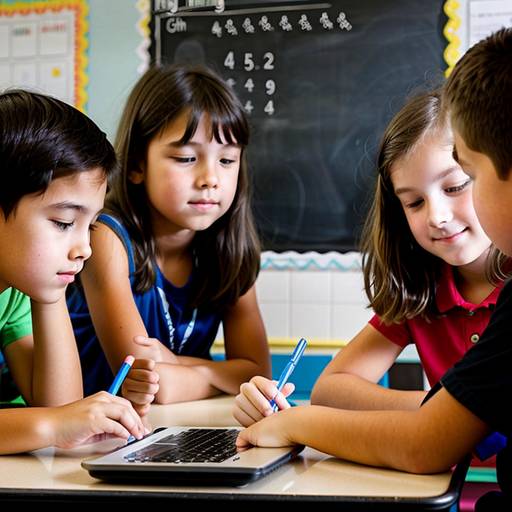
This 3rd-grade technology lesson focuses on introducing students to basic coding concepts such as sequences, loops, and conditional statements. The lesson begins with a discussion to gather students' prior knowledge about coding, followed by an explanation of key vocabulary and its importance in technology. An interactive demonstration on a block-based coding platform showcases how to create simple programs using the concepts taught.
Students then engage in guided practice by logging into the coding platform and completing a tutorial that reinforces their understanding. Working in pairs, they brainstorm and develop a mini-project that incorporates their newly learned coding techniques, encouraging creativity through games, animations, or stories.
The class wraps up with presentations of each pair's project, allowing students to explain their use of coding concepts and share their experience. The teacher assesses student understanding through observation, project review, and an exit ticket where students reflect on their learning. The lesson also includes extension activities for students interested in further exploring coding at home.
This lesson plan is designed for 4th-grade students to help them develop essential internet skills and understand the principles of proper online behavior, or netiquette. The lesson begins with an interactive discussion about digital citizenship, encouraging students to share their experiences with the internet. It then focuses on teaching effective search techniques, such as using keywords and evaluating the reliability of sources, through guided practice.
Next, students receive handouts detailing netiquette guidelines and engage in discussions about appropriate and inappropriate online behavior, reinforced by role-playing activities. They then participate in a group activity where they evaluate various online scenarios, determining which reflect good netiquette and which need improvement.
The lesson concludes with a recap of the key concepts learned, encouraging students to apply these skills both in school and at home. Assessment is done through informal observations during discussions and the collection of worksheets. Extensions include creating a classroom "Netiquette Poster" and potentially establishing a class blog for further practice. The overall aim is to equip students with the skills and understanding necessary to navigate the online world responsibly and respectfully.
This 4th-grade technology lesson focuses on developing students' internet skills and email etiquette, aiming to foster responsible online interactions. The session begins with a discussion about online preferences and the importance of safe behavior while communicating digitally. Students learn about internet safety practices, such as protecting personal information and engaging respectfully online, illustrated via a brief video or presentation.
The lesson then transitions to email etiquette, highlighting the structure of a formal email, including the subject line, greeting, body, closing, and signature. Students receive a handout with etiquette tips and collaboratively review a sample email.
In a hands-on activity, students will practice composing an introductory email to their teacher, ensuring they apply the proper structure and polite language discussed earlier. The lesson concludes with a reflection on the importance of these skills in both personal and academic contexts. Assessment is informal, based on observation and the quality of the emails sent. Extensions include creating digital posters summarizing the learned concepts and engaging in peer-to-peer email exchanges. This lesson ultimately equips students with essential skills for navigating online communication effectively.
This 5th-grade technology lesson focuses on teaching students essential skills related to internet safety and email etiquette. The session begins with a discussion to gauge students' understanding of internet safety and then introduces key concepts, including safe online practices, the importance of digital footprints, and the fundamentals of composing polite emails.
Students participate in a guided practice where they create sample emails, followed by a peer review process to reinforce proper etiquette. The lesson includes a role-playing activity where students enact scenarios based on digital communication, showcasing their understanding of the topics covered.
The lesson concludes with a group discussion to reflect on key takeaways and an exit ticket activity to encourage students to commit to responsible online behavior. Evaluation is based on participation, email composition, and group presentations, with extensions suggested for further exploration of digital footprints and safety tips. Overall, the lesson aims to equip students with the necessary skills to navigate online spaces responsibly and communicate effectively through email.
In this engaging technology lesson for 4th graders, students will learn essential skills in device maintenance and troubleshooting. The lesson begins with a discussion about common device issues that students may encounter, such as slow performance or charging problems. Through direct instruction, students will explore routine maintenance practices and the troubleshooting process, which includes identifying problems, researching solutions, and implementing fixes.
During guided practice, students will work in small groups to analyze specific scenarios involving device issues, brainstorm potential causes, and present their proposed solutions to the class. They will then participate in a hands-on activity, where they will practice safe cleaning techniques using a toolkit and troubleshoot a mock device exhibiting a common problem.
The lesson concludes with a wrap-up discussion to reinforce key concepts, and students are assigned an extension activity to create a troubleshooting guide for a device they use at home. Assessment will be based on group discussions and the thoroughness of the troubleshooting guides. This lesson empowers students to become informed users of technology and promotes responsible digital citizenship.
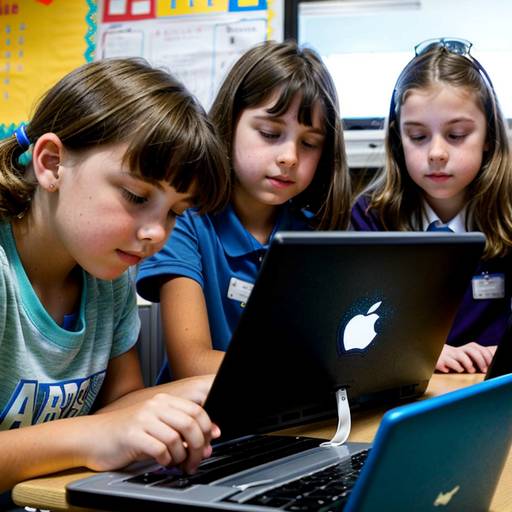
This 4th-grade technology lesson focuses on teaching students essential internet skills and effective online research techniques. The lesson aims to empower students to search for information using search engines, refine their queries, and evaluate the credibility of their sources. It begins with an engaging discussion about online research, followed by direct instruction on utilizing search engines and identifying reliable websites. Students are then encouraged to engage in a guided research activity, where they answer provided questions, take organized notes using a structured template, and share their findings with the class. The lesson incorporates hands-on practice, promotes collaboration among students, and emphasizes the significance of using trustworthy sources. Through this experience, students will develop critical research skills essential for navigating the digital world responsibly.
In this 4th-grade technology lesson, students will explore the concepts of digital citizenship and online privacy protection. The lesson begins with a classroom discussion about the internet and students' online activities, followed by an introduction to the importance of responsibly managing personal information. Through a presentation, students will learn to identify personal information and understand the risks associated with oversharing.
Next, students will work in small groups to analyze and discuss various privacy scenarios, fostering collaborative problem-solving skills. They will then come together to create a class 'Privacy Protection Pledge,' outlining key guidelines for safeguarding personal information online. To conclude the lesson, students will receive "Digital Detective Badges" as a recognition of their commitment to practicing online privacy.
Assessment will occur through observation of student participation during discussions and the quality of the created pledge. Extensions and adaptations are included to further engage students and accommodate diverse learning needs, ensuring a comprehensive understanding of digital citizenship and privacy protection.
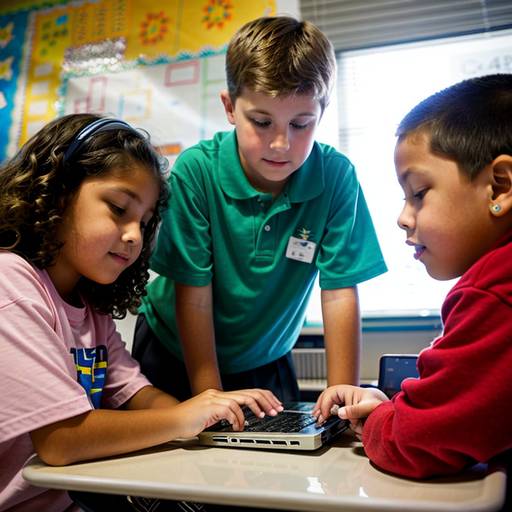
In this 3rd-grade technology lesson plan, students will learn essential internet skills, focusing on safe navigation and online research. The lesson begins with a discussion about the purpose and importance of using the internet for finding accurate information. Students will be introduced to key concepts, such as what makes a source credible, through direct instruction and demonstration on evaluating websites.
Working in pairs, students will engage in a guided practice activity to explore different websites related to a provided research question, using a guide to assess the credibility of their findings. They will then participate in a class discussion to share their experiences and conclusions.
For independent practice, each student will select an animal and conduct research using the evaluation criteria, completing a graphic organizer that summarizes their findings and reflects on the credibility of their sources. The lesson concludes with a wrap-up where students share newfound insights, reinforcing the importance of verifying information.
Assessment will be based on observational participation during discussions and the quality of students' graphic organizers. The lesson incorporates vocabulary development and offers opportunities for extending learning through digital presentations in future activities. Overall, students will gain valuable skills in navigating the internet and conducting online research responsibly.