
Filters
Level
Grade
Subject
Subject Area
Subject Topic
Standard(s)
Audience
Keyword
DurationMinutes
Elementary School Lesson Plans
The lesson plan focuses on teaching 3rd-grade students the basics of device maintenance and troubleshooting. The objective is for students to learn how to care for their classroom technology and effectively resolve common issues. The lesson begins with a warm-up discussion about device care, followed by an overview of essential maintenance tasks and common problems. Students engage in hands-on activities where they work in pairs to solve troubleshooting scenarios, applying the concepts they learned. The session concludes with a wrap-up discussion and a reflection activity where students share their commitment to better care for their devices. Assessments include observation during activities and collection of student reflections. The plan includes adaptations for diverse learning needs and offers extension activities to promote further engagement.
This lesson plan for 4th-grade students focuses on the importance of device maintenance and cleaning. It begins with an engaging discussion about the devices students commonly use, followed by an explanation of why proper care is essential for prolonging device lifespan and performance. Through direct instruction, students learn effective cleaning techniques, including the safe use of microfiber cloths, screen cleaners, canned air, and disinfectant wipes.
In a guided practice activity, students work in groups to apply these cleaning methods using provided supplies. They are also encouraged to role-play scenarios related to improper maintenance. Following this, students independently create a personalized cleaning guide, outlining the steps they will take to care for their devices at home. The lesson concludes with a review and a Q&A session to reinforce understanding. Assessment includes observing group activities and collecting the cleaning guides to evaluate comprehension. Optional extensions may involve peer presentations or guest speakers from the tech field to further enhance learning.
In this 5th-grade technology lesson, students will explore the critical aspects of device maintenance and organization. The session begins with an interactive discussion on the importance of caring for technology. Students will learn various cleaning techniques for devices, such as using microfiber cloths and compressed air, through a demonstration.
After understanding cleaning methods, students will engage in hands-on practice, applying the techniques to their own devices in pairs. They will also create personalized organization plans that encompass both digital file management and physical organization of their tech-related materials.
The lesson emphasizes collaborative sharing of ideas and strategies, allowing students to enhance their plans while reflecting on the importance of maintaining clean and organized devices. For assessment, teachers will observe students’ cleaning practices and review their organization strategies. An extension challenge encourages students to create tutorial videos to share their knowledge with peers. Finally, students will be tasked with implementing their organization plans at home and documenting their experiences in a journal.
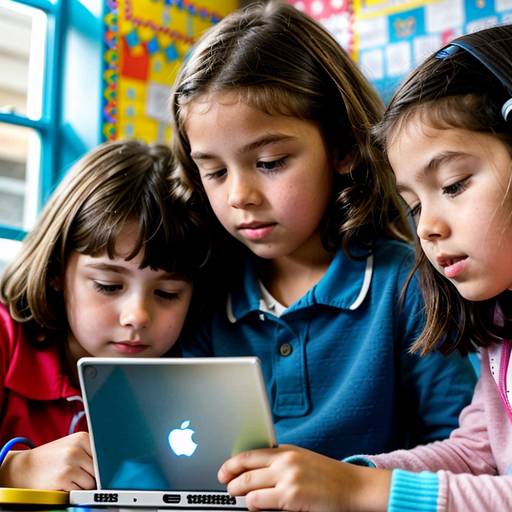
This lesson plan for 1st graders focuses on teaching students about the importance of device maintenance and proper handling techniques for technology. It begins with an engaging introduction where students identify different parts of devices like tablets and laptops. Through direct instruction, they learn about key components, including the screen, keyboard, and charging port, along with simple maintenance tips.
The lesson includes a hands-on activity where students practice safe handling and cleaning techniques in pairs, supported by a checklist to reinforce good habits. To conclude, students discuss the significance of caring for their devices and enjoy a story that highlights these concepts. Assessment is conducted through observation and review of the checklists, ensuring students grasp the material. Extensions encourage ongoing engagement with technology care at home and community involvement. Overall, the lesson aims to foster responsible tech usage and care among young learners.
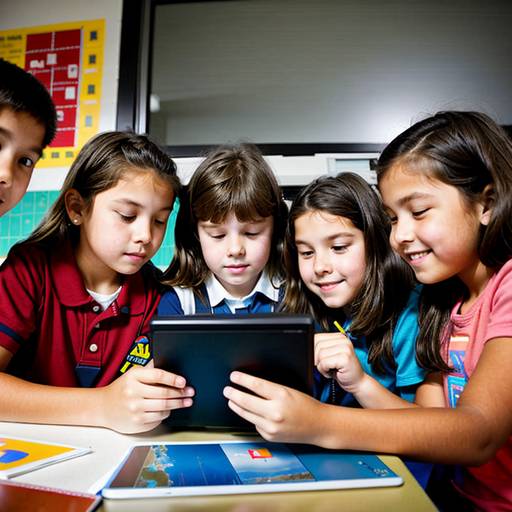
This lesson plan is designed for 3rd-grade students to explore the concept of technology and how it functions in everyday life. The lesson begins with an interactive discussion where students share different types of technology they encounter daily. Groups are then given simple mechanical toys to examine, encouraging students to observe how these devices work by discussing their parts and functions.
Students will also create a "Tech Map," illustrating various forms of technology they use at home or school, while labeling and explaining how each one operates. Presentations of these maps will foster collaboration and communication skills as they share their insights with classmates.
Assessment will be based on participation in discussions, group activities, and creativity in their tech maps. Extensions include a homework assignment to discover a new technology to bring to class, along with organizing a "Technology Fair" to showcase their findings. Overall, the lesson aims to spark curiosity about technology and its impact on students' lives.
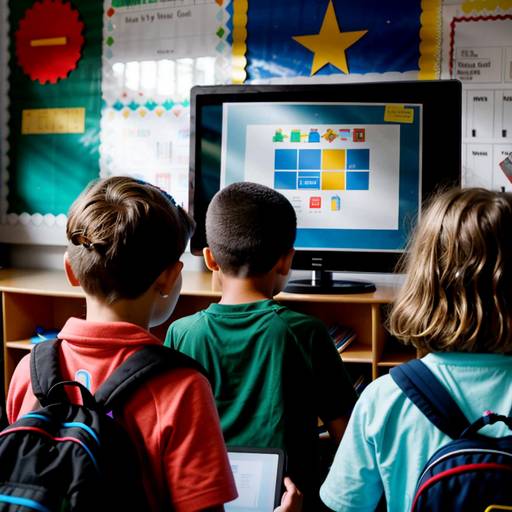
In this 2nd-grade technology lesson plan, students are introduced to various technology tools and their purposes, fostering an understanding of how these tools enhance everyday life. The lesson begins with a discussion on what technology means to the students, followed by a brief video showcasing technology in daily use.
Students participate in a demonstration of selected technology tools, learning their basic functions, and then engage in small group activities where they explore assigned tools and discuss their applications. Each group presents their findings to the class, encouraging interaction and questions.
A hands-on activity follows, where students complete a worksheet identifying technology tools they have used, connecting them to descriptions of how these tools assist us. The lesson concludes with a group discussion, reflecting on new knowledge gained and how technology impacts the future.
Assessment is based on participation, presentations, and worksheet completion, while extensions are provided for students who finish early, such as basic coding games. The lesson emphasizes collaboration and hands-on learning to help students become familiar with the technology tools that play a significant role in their lives.
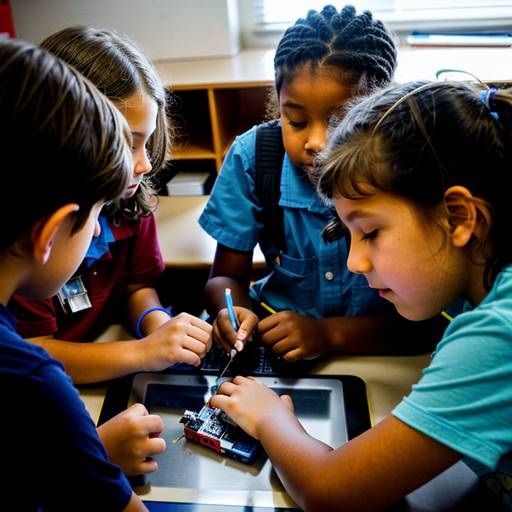
This lesson plan for 5th-grade students focuses on the fundamentals of device maintenance and troubleshooting basics. Over the course of 60 minutes, students will engage in discussions about common technology issues and learn why proper maintenance is essential for device longevity and performance. Instruction will cover key maintenance practices, such as cleaning screens and ensuring proper connections, as well as basic troubleshooting steps for typical problems like frozen screens and charging issues.
Students will participate in group activities where they will collaboratively work on scenario cards that depict various technical challenges, applying the troubleshooting methods discussed. Following this collaborative practice, they will engage in hands-on activities at maintenance stations, where they can practice techniques like cleaning screens and checking device connections.
The lesson concludes with a recap of the key points learned and an exit ticket activity that allows students to reflect on what they found most valuable. Assessment will focus on participation, collaboration in group work, and the completion of the exit ticket. The lesson encourages students to take responsibility for their technology and empowers them with practical skills to manage their devices effectively. Differentiation strategies are included to support diverse learners and extend learning for those who seek additional challenges.
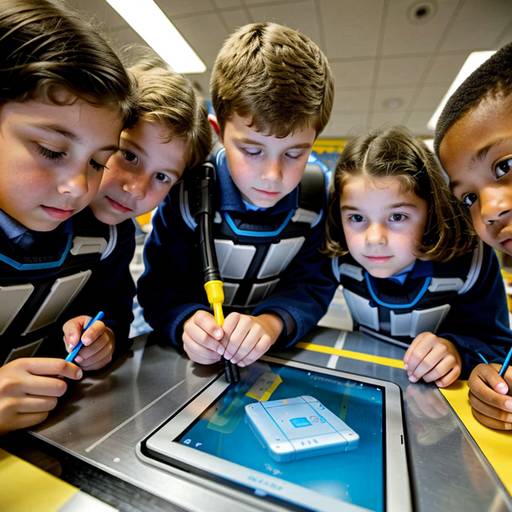
In this 4th-grade technology lesson, students will explore the concept of technology and its various tools through interactive activities and discussions. The lesson begins with a group discussion to define technology and its impact on our daily lives, followed by a video highlighting different technological tools. Students will then engage in hands-on exploration, rotating through various technology tools such as tablets, coding robots, and interactive whiteboards to familiarize themselves with their features.
After the exploration, students will collaborate in small groups to create a poster showcasing an innovative technology tool they wish existed, detailing its purpose and potential users. Each group will present their ideas to the class, fostering creativity and communication skills.
The lesson wraps up with a class discussion reflecting on their favorite technology tools and how technology aids their daily lives. Assessment will focus on participation, the creativity of the group project, and reflections from students. Extension activities could include inviting a guest speaker from the tech field or organizing a field trip to a local technology center, making the learning experience both engaging and relevant to real-world applications.
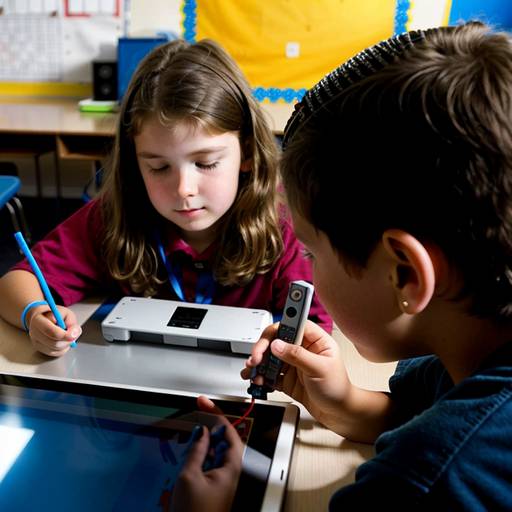
In this engaging 4th-grade technology lesson, students will explore the fundamentals of device maintenance and troubleshooting. The lesson begins with a captivating video that highlights common technology problems, followed by a discussion to identify students' frustrations with devices. The instructor will introduce the basic components of a device and emphasize the importance of regular maintenance and care.
Students will learn a straightforward troubleshooting method represented by the "ABCDE" acronym, which guides them in assessing and resolving typical device issues. Through an interactive group activity, students will work at scenario stations, discussing and applying the ABCDE method to various troubleshooting situations.
Following this activity, students will create a personalized maintenance checklist for their devices, encouraging them to take ownership of device care. The session will conclude with a recap of the key points learned and an opportunity for students to ask questions about technology challenges they face at home. Overall, this lesson aims to empower students with the skills necessary to maintain and troubleshoot their devices confidently.
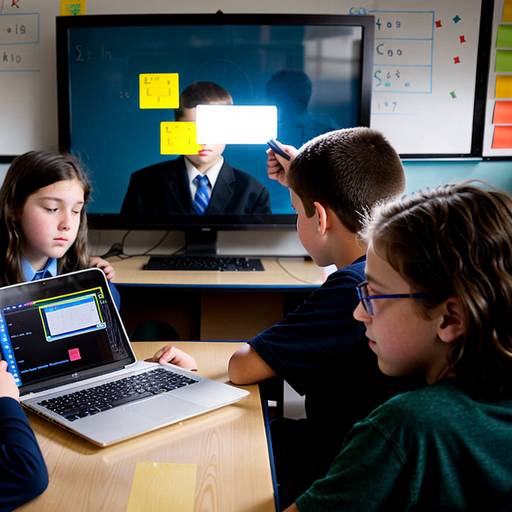
This 5th-grade technology lesson plan introduces students to the fundamentals of coding and programming languages. It begins with a discussion about what coding is and its role in communicating with computers, followed by an exploration of algorithms and their importance in programming. Students engage in a fun activity where they write algorithms for simple tasks, enhancing their understanding of the concept.
The core of the lesson involves a hands-on coding activity where students work in pairs or small groups on a block-based coding platform to create their own projects, such as animated stories or simple games. Throughout this process, they learn how to debug their code and collaborate effectively with peers.
The lesson concludes with presentations where groups share their projects, discussing what they learned and any challenges they faced. This wrap-up reinforces the importance of collaboration in coding and encourages students to reflect on their experiences. Assessment is based on participation, project creativity, and understanding of key concepts, with extensions offered for those interested in further exploration of coding. The lesson aims to empower students with foundational skills in technology and problem-solving.