
Filters
Level
Grade
Subject
Subject Area
Subject Topic
Standard(s)
Audience
Keyword
DurationMinutes
Elementary School Lesson Plans
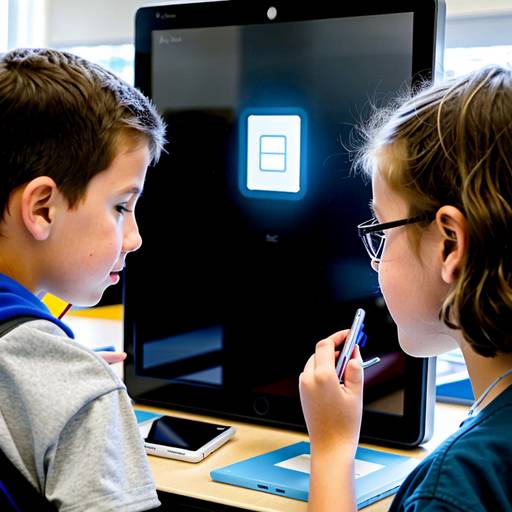
In this 3rd-grade technology lesson, students will learn the importance of proper device handling and maintenance. The lesson begins with a discussion on the significance of caring for technology, followed by a demonstration of how to safely use and store various devices, such as tablets, laptops, and headphones. Key maintenance tips will be presented, including keeping devices clean and properly charging them.
Students will then participate in an engaging activity where they create and personalize a "Device Care Checklist" to take home and share with their families. Through pair discussions, they will reflect on their experiences with technology and the consequences of not taking care of it. The lesson concludes with a recap of the concepts covered and a brief assessment to reinforce learning. Additional resources and follow-up activities will further encourage responsible technology use among students.
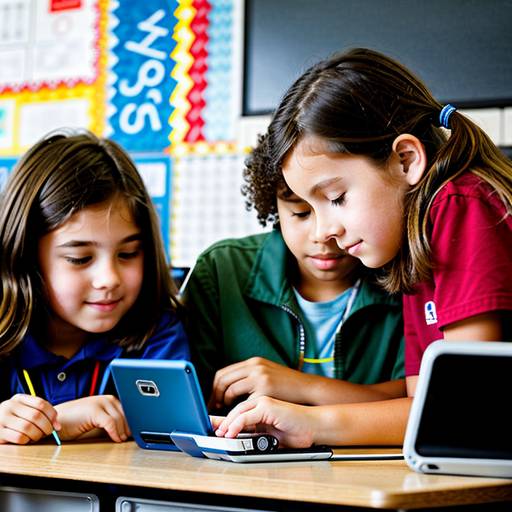
In this engaging 4th-grade technology lesson, students explore the essential practices of device maintenance and organization. The lesson begins with a discussion about the devices they use, emphasizing the importance of care and upkeep. Students learn basic maintenance tasks such as cleaning screens and keyboards, followed by a hands-on activity where they practice cleaning their devices safely.
Next, the focus shifts to digital organization, where students discuss the challenges they face in managing files and applications. They then create organizational folders in a shared digital space, learning to categorize their documents effectively.
The lesson concludes with a recap of key concepts, where students share their insights and outline their plans to implement these practices in their daily technology use. A homework assignment encourages them to develop a personalized "Device Care Plan," fostering responsible technology habits at home. Overall, this lesson aims to empower students with the skills needed to maintain and organize their devices effectively.
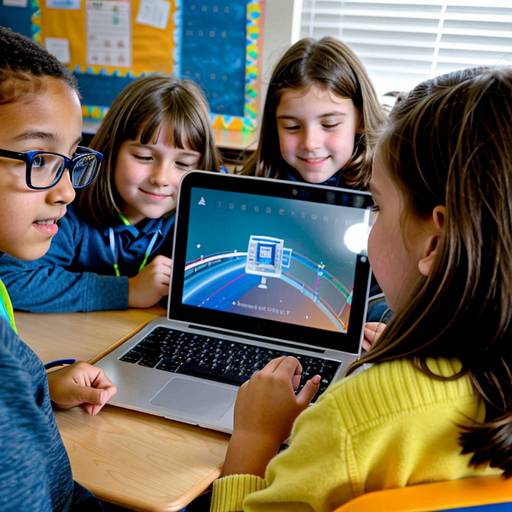
In this 4th-grade technology lesson, students will learn the essential skills of device maintenance and organization. The session begins with a discussion about the various tech devices used by students and their importance. Through a combination of videos and hands-on demonstrations, students will discover practical tips for maintaining their devices, including cleaning methods, battery care, and the significance of regular software updates.
Following this, emphasis is placed on digital organization, teaching students how to create and manage folders, name files clearly, and maintain an orderly digital workspace. The lesson incorporates interactive activities where students practice cleaning their devices and organizing files on their devices.
In the concluding segment, students will reflect on what they learned and share one maintenance and one organization tip with the class. This comprehensive approach not only develops students' technical skills but also instills a sense of responsibility for their devices, preparing them for effective technology use in their education. Handouts with maintenance and organization tips will be provided for students to take home, reinforcing the lessons learned.
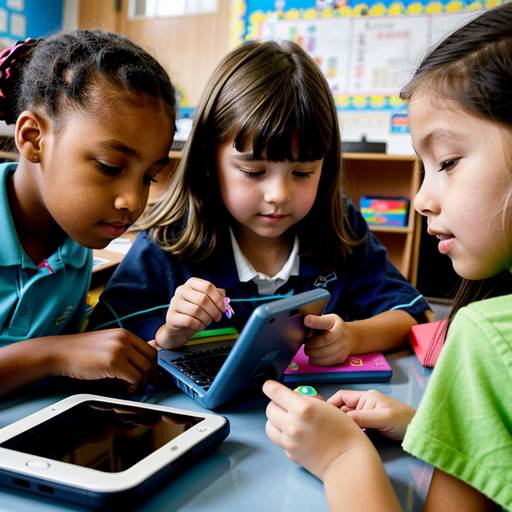
In this 2nd-grade technology lesson, students will learn the importance of maintaining and organizing their devices to ensure they function effectively and last longer. The lesson begins with a discussion about how devices enhance their learning experiences, followed by an exploration of daily and weekly maintenance tasks. Students will engage in a hands-on activity where they practice cleaning their devices safely. They will also discuss the significance of proper organization, including designated storage areas and charging stations.
During a group activity, students will put away devices and practice organizing virtual files on their devices. The lesson concludes with a reflection where students share what they learned and receive a checklist outlining maintenance and organizational tasks to take home. Overall, the lesson aims to instill responsibility for technology care and foster essential habits for being responsible digital citizens.
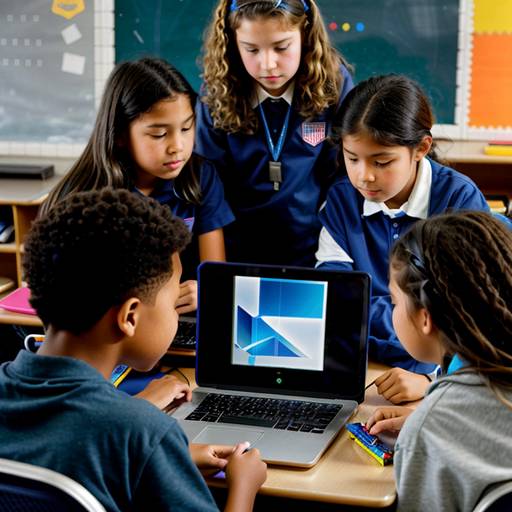
In this 5th-grade technology lesson, students will learn essential practices for maintaining and organizing their digital devices, such as computers and tablets. The lesson begins with a discussion on the importance of device care, including cleaning, software updates, and safe handling to ensure device longevity. Students will also explore effective organizational strategies, such as creating folders, clearly naming files, and decluttering unnecessary apps and files. Through guided practice, students will apply these skills to their devices, organizing files and creating a personalized maintenance plan, which includes routine maintenance activities and organization tips. The lesson concludes with student reflections on their plans, promoting accountability and collaborative learning. Overall, this lesson aims to instill responsibility and efficiency in students' use of technology.
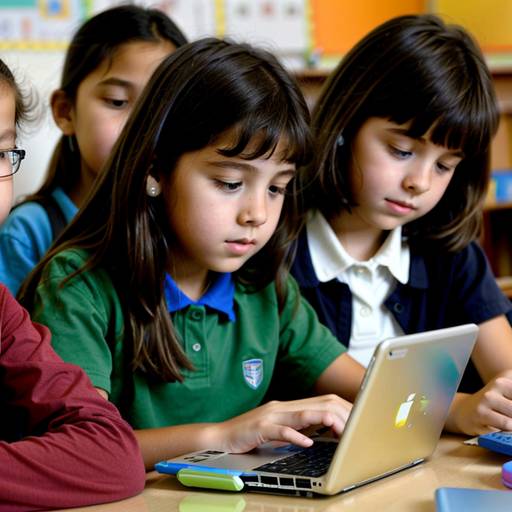
In this 3rd-grade technology lesson, students will explore the importance of device maintenance and organization. The class will start with a discussion about how to care for devices, followed by direct instruction on essential maintenance tasks like screen cleaning, software updates, and damage checks. Students will then engage in hands-on activities where they will clean their devices and create folders to organize their files and applications. The lesson will conclude with a sharing session where students reflect on their organizational strategies and the significance of caring for their technology. A handout with device care tips will be sent home to reinforce learning. The lesson aims to instill responsible technology use habits and enhance students’ understanding of maintaining their devices effectively.
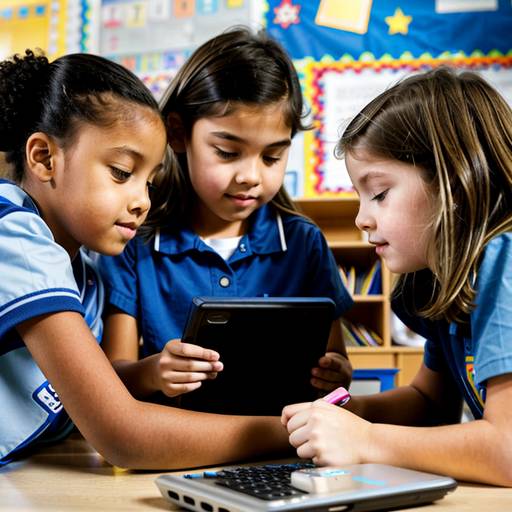
In this 2nd-grade technology lesson, students will explore the importance of maintaining and cleaning their devices. The lesson begins with a discussion about the significance of keeping technology clean and in good condition. Students will learn about safe cleaning materials and techniques suitable for screens and keyboards through a demonstration. Following this, they will engage in a hands-on activity where they will practice cleaning their devices in small groups, applying the skills they just learned. The session concludes with a reflection where students share their takeaways and receive a device cleaning checklist to use at home. Optional creative activities can further reinforce their understanding by allowing them to illustrate and write about their favorite devices. Throughout the lesson, student engagement and comprehension will be assessed through observation and discussion. Modifications are available for students requiring additional support or those who are more advanced.
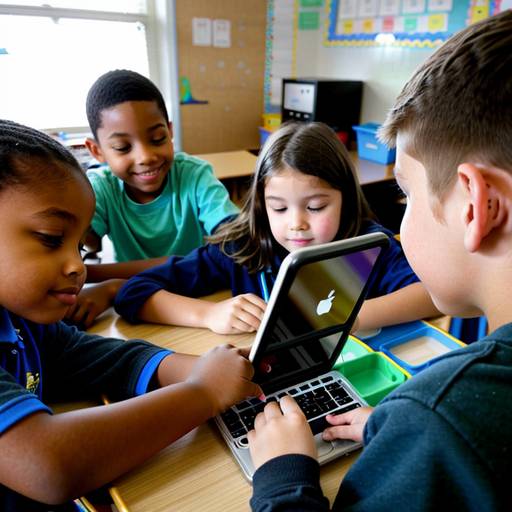
This lesson plan is designed for 1st-grade students to teach them the importance of maintaining and cleaning technology devices. The session begins with an engaging discussion about the consequences of neglecting device care, followed by a demonstration on proper cleaning techniques using safe materials. Students will then participate in a hands-on activity, where they will apply what they learned by cleaning various devices in small groups. The lesson concludes with a group reflection to reinforce their understanding and allow them to share their experiences. Participation rewards will be given to encourage engagement and responsibility among the students. The overall goal is to instill good habits for device care while making the learning experience interactive and enjoyable.

This lesson plan is designed for 5th-grade students to introduce them to the concept of technology and its significant impact on society throughout history. The lesson begins with a group discussion to define technology and explore everyday examples. Students will then watch a video or slideshow highlighting major technological innovations, followed by research-based group activities where they create a timeline for a specific innovation. Each group will present their findings, fostering collaboration and communication skills. To wrap up, students will reflect on their learning by writing an exit ticket that includes one new insight and one lingering question about technology. This plan encourages critical thinking about the past and future of technology while engaging students in collaborative learning.
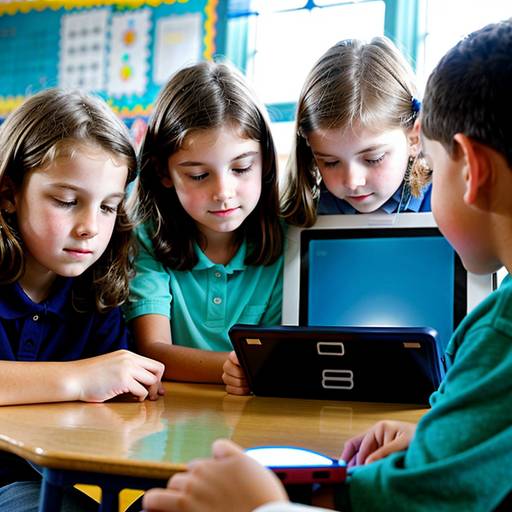
This lesson plan introduces 3rd-grade students to the concept of technology and how it functions in their everyday lives. It begins with a class discussion that encourages students to share their experiences and thoughts on technology, leading to the creation of a collaborative chart titled "What is Technology?" Various examples of technology are presented, allowing students to engage with everyday items and explore their purposes.
The lesson then focuses on simple machines, such as levers and pulleys, to help students understand the mechanics behind different technologies. A short video is shown to illustrate how a simple piece of technology operates, enhancing their understanding of the topic.
The hands-on component of the lesson allows students to work in small groups to create their own inventions using craft supplies and old electronics. They are encouraged to explain how their creations work and the problems they aim to solve.
The lesson concludes with group presentations, fostering sharing and communication skills. Assessment is based on participation and the ability to articulate the function of their inventions. Extension activities include a homework assignment that encourages students to explore technology further at home and a potential “Technology Day” for sharing personal gadgets with the class.