
Filters
Level
Grade
Subject
Subject Area
Subject Topic
Standard(s)
Audience
Keyword
DurationMinutes
5th Grade Technology Lesson Plans
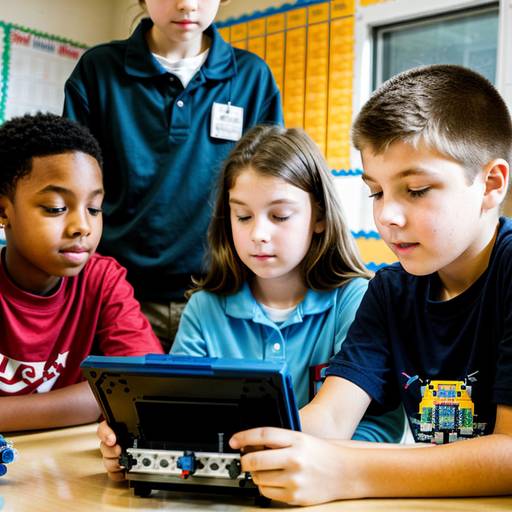
This lesson plan provides fifth-grade students with an engaging introduction to robotics, focusing on fundamental concepts, components, and applications. Over the course of two class periods, students will discuss the role of robots in various fields, explore the key components involved in robotic systems, and brainstorm real-world problems that robots can address.
In small groups, students will design their unique robots with specific functions and begin building them using provided robot kits. They will also learn the basics of programming to control their robots through simple software. The lesson culminates in demonstrations where each group presents their robot, explaining its design and functionality.
Assessment will be based on participation, the creativity of design plans, and the effectiveness of each robot during demonstrations. Extensions and accommodations ensure that all students engage with the material at an appropriate level, fostering collaboration, critical thinking, and technical skills in a fun and interactive environment.
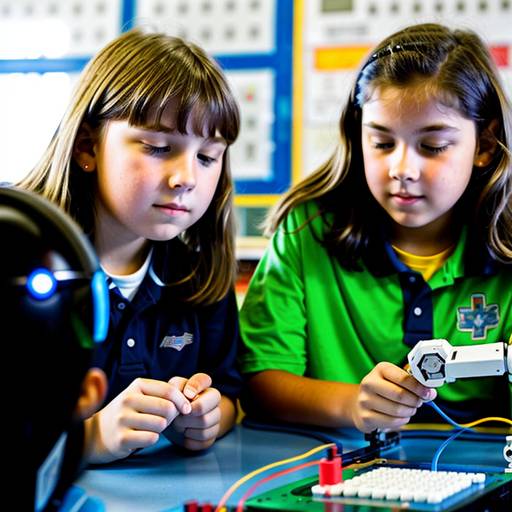
In this 5th-grade technology lesson, students will explore the fundamentals of robotics and programming. The lesson begins with an introduction to what robots are, their applications in various fields, and a discussion of basic programming concepts such as commands, loops, and sequences. Students will work in small groups to brainstorm and plan a simple task for a programmable robot, designing flowcharts to outline their programming logic.
During the second part of the lesson, students will learn to use specific programming software or apps to implement their flowcharts and control the robots. They will test their robots, make necessary adjustments, and each group will showcase their robot's performance by completing the assigned task. Throughout the lesson, students will enhance their collaboration and problem-solving skills while engaging in hands-on programming experiences. Assessment will focus on participation, the clarity of flowcharts, and the effectiveness of the programmed tasks. Extension opportunities will encourage students to delve deeper into programming and robotics applications in real-life scenarios.
In this 5th-grade technology lesson, students will learn essential skills related to device maintenance and organization. The objectives include identifying basic maintenance practices, demonstrating effective digital file organization, and understanding the importance of keeping devices in good condition.
The class starts with a discussion on the challenges of finding files on disorganized devices, followed by an introduction to key maintenance tasks like battery care, software updates, and virus scans. Students will also explore strategies for organizing their digital files and folders.
Through a guided practice session, students will work on a maintenance checklist and create a structured folder system on their devices. They will then engage in independent practice to clean and organize their digital spaces. The lesson concludes with a reflection discussion where students share their thoughts and experiences.
Assessment will be based on observations during activities and the completion of the maintenance checklist. Extensions include creating tutorials for younger students on maintaining and organizing devices and providing additional resources on cybersecurity.
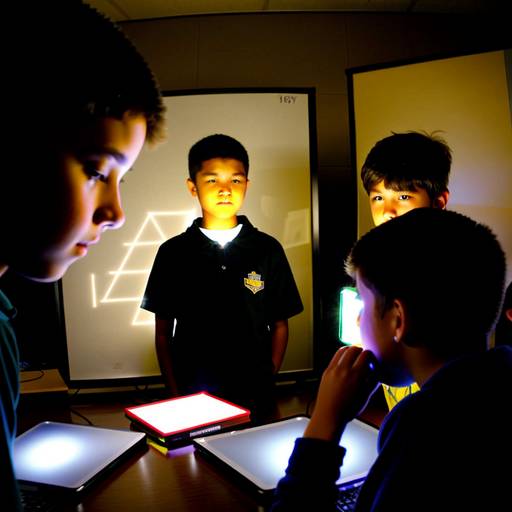
In this lesson plan designed for 5th-grade students, the focus is on introducing the fundamentals of multimedia creation and video editing. Over two class periods, students will work in small groups to plan, create, and edit a short educational video on a topic of their choice. The lesson begins with a discussion about multimedia and video editing, followed by group brainstorming sessions to select topics. Students will engage in storyboarding and scripting, which will guide their recording process. The second class period will be dedicated to capturing video footage and learning to use video editing software to compile and enhance their projects. Each group will present their final video to the class, allowing for peer feedback and questions. Assessment will be based on collaboration, creativity, and presentation skills, and the lesson aims to foster teamwork and communication while enhancing technical skills in multimedia production. Extensions for the lesson may include publishing the videos online or exploring more advanced editing techniques in subsequent lessons.
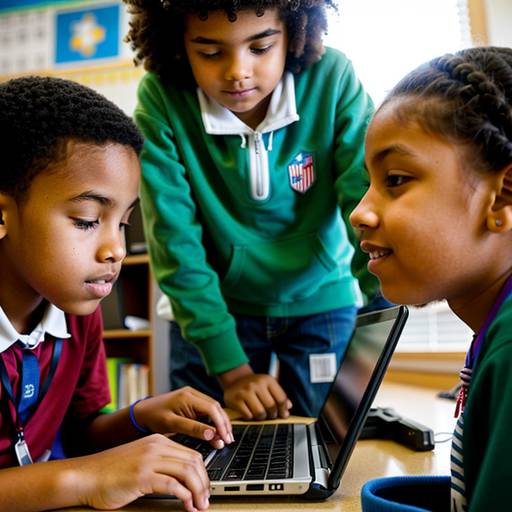
This lesson plan for 5th-grade students focuses on developing essential internet skills and online research abilities. Over the course of one hour, students will learn about internet safety, effective search strategies, and how to evaluate the credibility of online sources. The session begins with a discussion on the significance of online research, followed by direct instruction on using keywords and search techniques. Students will then work in groups to research assigned topics, applying their knowledge to find reliable sources while practicing evaluation criteria. After the guided research, groups will present their findings to the class, facilitating a discussion on the challenges and successes of their research. The lesson concludes with a recap and a short writing assignment, encouraging students to summarize their findings and reflect on the research process. Adaptations and an extension activity are included to support diverse learners and promote creativity.
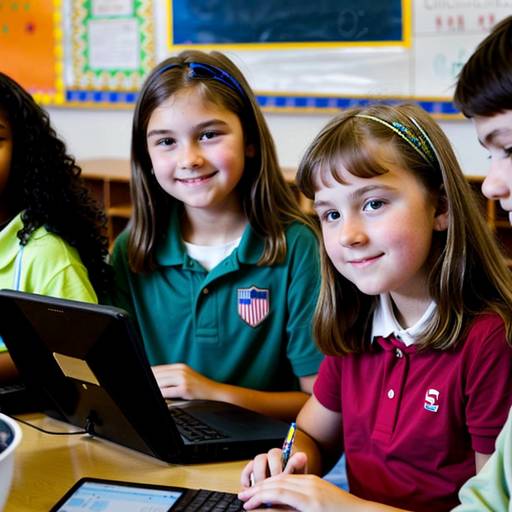
This lesson plan focuses on teaching 5th-grade students essential internet skills and email etiquette. The objective is for students to understand safe and responsible online practices, identify the components of an email, and compose polite and effective messages. The lesson begins with an engaging discussion about the internet and its importance in daily life, followed by direct instruction on internet safety and the structure of emails, including etiquette tips. Students will participate in guided practice by drafting emails in response to a given scenario, utilizing a provided template to ensure they follow the etiquette guidelines discussed. After peer review and revisions, students will send their final emails to the teacher for assessment. The lesson concludes with a brief quiz to evaluate students' comprehension of the material. Differentiation strategies are included to support diverse learners, along with opportunities for extensions into further topics related to internet safety. Overall, the plan aims to equip students with vital digital communication skills for their future interactions.
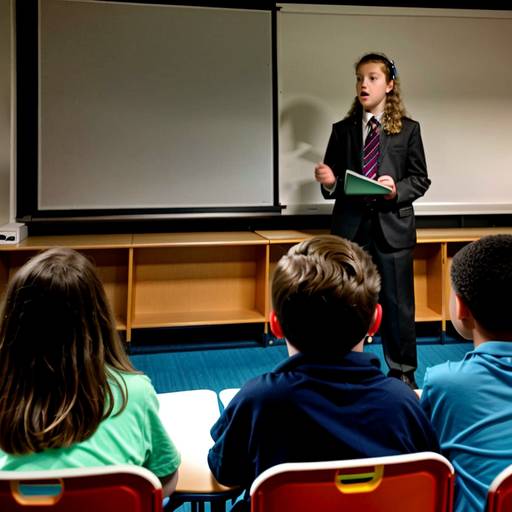
In this 5th-grade technology lesson plan, students will explore multimedia creation through the development of engaging presentations. Over two class periods, they will learn the principles of effective presentation design and how to incorporate various multimedia elements, such as images, audio, and video, into their work.
The first day involves discussions about multimedia and its importance, followed by the group brainstorming of topics relevant to their curriculum. Students will outline their presentations, setting the stage for their projects.
On the second day, students will use presentation software to create their projects, ensuring they include specific multimedia components. They will practice presenting their work within their groups, providing constructive feedback to one another. Selected groups will share their presentations with the entire class, allowing for questions and discussions afterward.
Assessment will be based on a rubric that evaluates criteria such as clarity, creativity, and media integration, along with peer feedback. The lesson also encourages reflection on the learning process and offers extension opportunities to present their work to family members, promoting further engagement with the material. Overall, the lesson fosters creativity, collaboration, and technology skills, making the learning experience interactive and enjoyable for the students.
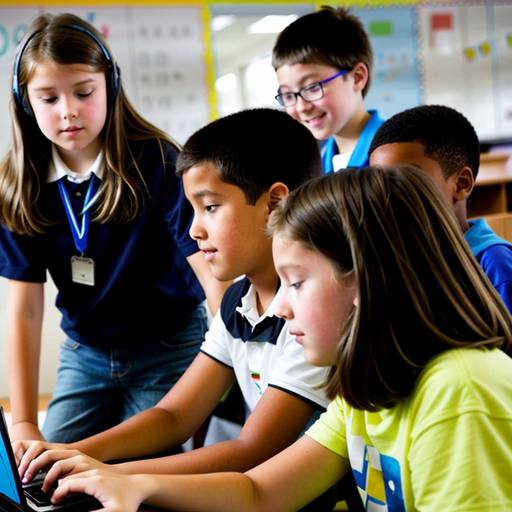
This 5th-grade technology lesson focuses on teaching students essential internet skills and the importance of netiquette. Over the course of one hour, students will learn effective search techniques for finding reliable information online and understand how to communicate respectfully in digital environments. The lesson begins with discussions and definitions of key concepts, followed by direct instruction with a slide presentation and handouts.
Students will engage in guided practice by conducting online searches and participating in role-playing activities that illustrate appropriate online behavior. They’ll also write a paragraph demonstrating their understanding of netiquette rules, which they will share with a partner. The lesson concludes with a recap of learning points and a homework assignment that encourages students to apply these skills in real-world contexts. Throughout the lesson, student participation and understanding will be assessed through their written work and engagement in discussions.
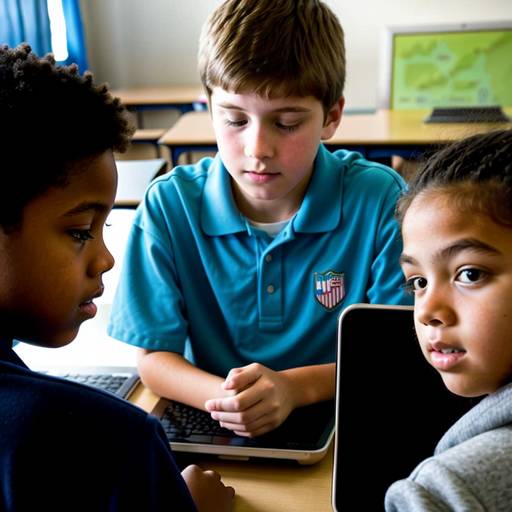
This 5th-grade technology lesson focuses on educating students about digital citizenship and cyberbullying awareness. The objectives include defining digital citizenship, understanding cyberbullying and its impact, demonstrating proper online behavior, and creating personal action plans to foster positive digital interactions.
The lesson begins with a discussion on what it means to be a good friend, transitioning into the importance of being a responsible digital citizen. Students engage in group activities where they analyze scenarios related to cyberbullying, followed by a class discussion on the effects of harmful online behavior. They then create personal action plans outlining how they will promote kindness and respond to cyberbullying.
To conclude, students share their action plans, contributing to a collective "Digital Citizenship Pledge" poster, reinforcing the lesson's key points. The session emphasizes thinking critically about online actions and encourages respectful behavior, equipping students with the tools to navigate the digital world responsibly. Assessment includes observations during discussions and the collection of action plans to gauge understanding. Extensions could involve creating digital posters to raise awareness at the school level or inviting a guest speaker to discuss online safety in more depth.
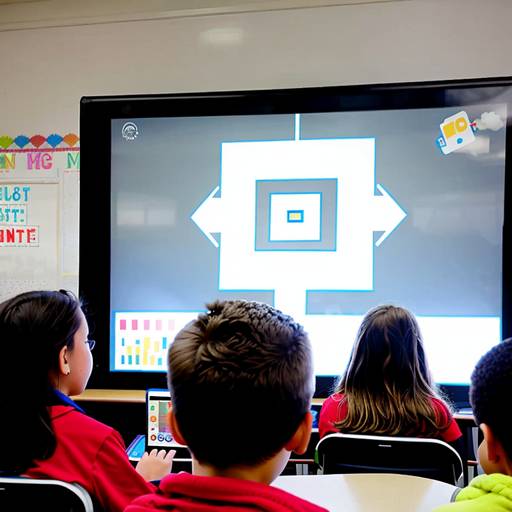
In this 5th-grade technology lesson, students explore the concepts of digital citizenship and digital footprints. The lesson begins with an engaging discussion to gather students' initial thoughts on digital footprints, followed by a video presentation that explains these concepts in detail. Students participate in group activities where they analyze various scenarios that illustrate online behaviors and their impacts on digital footprints. They work collaboratively to identify ways to maintain a positive digital presence and then present their findings to the class. The lesson concludes with reflections on their learning and an exit ticket activity where students commit to one actionable step to improve their online behavior. This comprehensive lesson aims to equip students with the knowledge and skills needed to navigate the digital world responsibly.