
Filters
Level
Grade
Subject
Subject Area
Subject Topic
Standard(s)
Audience
Keyword
DurationMinutes
5th Grade Technology Lesson Plans
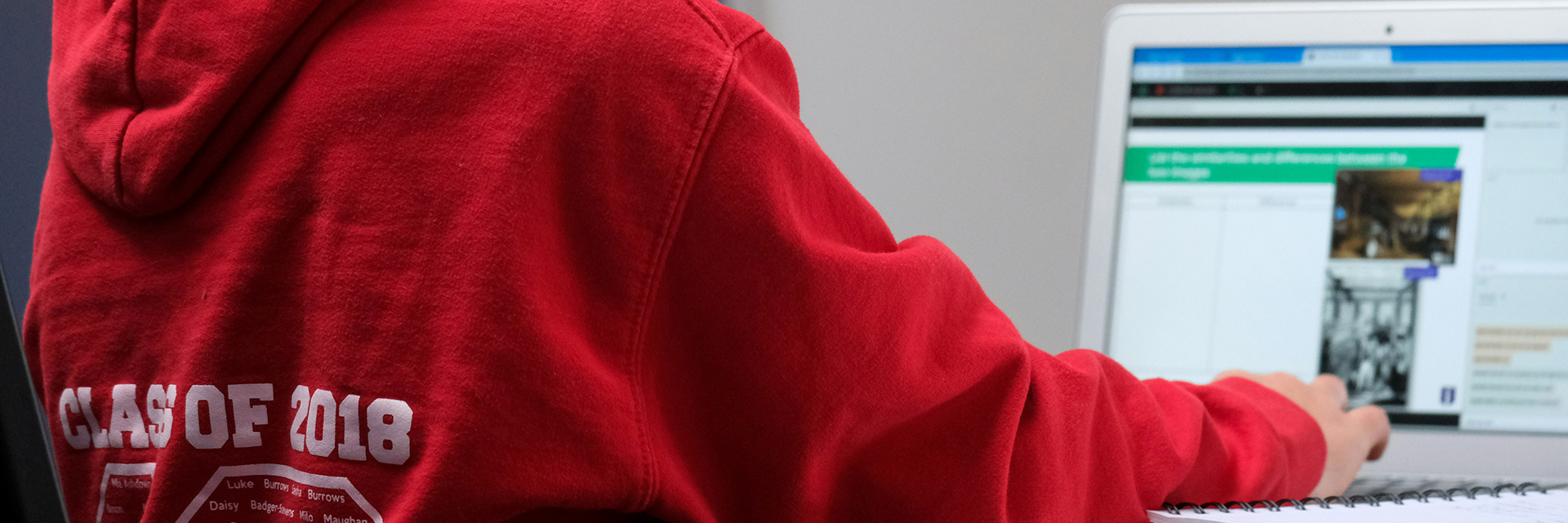
In this 5th-grade technology lesson, students will learn essential internet skills focused on search engine usage. The class begins with a discussion about the internet's significance and students' favorite websites. Next, the teacher introduces search engines, explaining their functionality and how they differ from regular websites.
Students will discover effective search strategies, including the use of keywords, quotation marks, exclusion operators, and site-specific searches. They will also learn how to evaluate the credibility of sources by examining authorship, the purpose of the website, and the timeliness of information.
During guided practice, students will work in pairs to research a specific topic, employing the techniques they’ve learned to find information and assess the reliability of various sources. The lesson concludes with a class discussion where groups share their findings, reinforcing the importance of search skills and source evaluation. Students will complete a worksheet during the practice session to document their search strategies and results.
As a follow-up activity, students will be tasked with finding an article on a topic of interest at home and summarizing it while evaluating its credibility. Throughout the lesson, safe browsing practices will be emphasized, and teacher support will be available as needed.
In this comprehensive 5th-grade technology lesson plan, students embark on a hands-on project focused on multimedia creation and video editing. Over the course of five sessions, they will learn the fundamental concepts of multimedia and storytelling, working collaboratively in small groups.
The project kicks off with brainstorming story ideas and creating a storyboard, which will serve as a visual guide for their video. Students will then investigate filming techniques, plan their shoots, and film their segments using digital cameras or tablets.
As they progress into editing, they will gain valuable skills in using video editing software, learning how to import media, cut clips, and enhance their narratives with music, transitions, and voiceovers. Throughout this process, peer feedback plays a critical role, allowing groups to refine their work.
Finally, students will present their completed video projects to the class, highlighting what they learned during the experience. They will also engage in reflective activities to consider their teamwork, technical skills, and the creative process. This lesson fosters multimedia skills, collaboration, and effective communication, equipping students with important tools for digital literacy.
This lesson plan is designed for 5th-grade students to enhance their internet skills and understand the importance of online safety. The session begins with an engaging discussion where students share their favorite online activities, followed by a presentation that educates them on identifying credible sources, navigating privacy settings, recognizing phishing scams, and addressing cyberbullying.
Students then participate in a group activity where they analyze assigned websites using a checklist to assess their reliability and prepare a presentation on their findings. After sharing their insights with the class, students engage in a recapitulation of the key concepts learned throughout the lesson.
To conclude, they complete an exit ticket reflecting one new thing they learned about internet safety and one website they intend to explore responsibly. The lesson aims to empower students with essential skills for navigating the digital world safely and responsibly while encouraging communication about internet safety with their families.

This lesson plan aims to teach 5th-grade students about digital footprints and the importance of digital citizenship. The session begins with a class discussion to introduce the concept of a digital footprint, followed by a PowerPoint presentation that explains its types, implications, and the difference between positive and negative footprints. Students will engage in group activities where they'll analyze various scenarios related to digital footprints, discussing how individuals can manage and improve their online presence. To enhance creativity and personal reflection, students will create artistic representations of their ideal digital footprints, reflecting on their online identities. The lesson concludes with students completing a reflection worksheet to summarize their learnings and commit to positive changes in their digital behavior. Overall, the session emphasizes the significance of maintaining a responsible and positive online presence.