
Filters
Level
Grade
Subject
Subject Area
Subject Topic
Standard(s)
Audience
Keyword
DurationMinutes
5th Grade Technology Lesson Plans
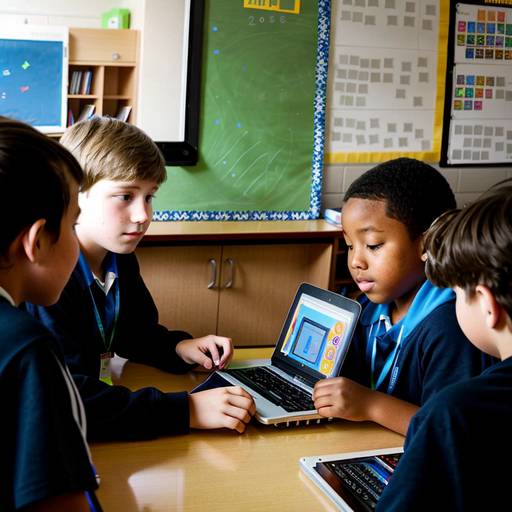
This lesson plan is designed for 5th-grade students to explore multimedia creation and photo editing over two class periods. The first day focuses on introducing students to multimedia concepts and basic photo editing techniques using appropriate software. Students participate in guided practice by editing sample images, which culminates in a class discussion about their edits.
On the second day, students will create a digital story that incorporates their edited images and accompanying text. They begin by brainstorming and outlining their narratives using storyboarding templates. Students then independently work on their digital stories, focusing on layout and design elements while being encouraged to express creativity. The lesson concludes with students preparing for brief presentations of their stories, which will take place in a future class.
Assessment criteria include the completion of storyboards, creativity in photo editing, clarity in storytelling, and participation in activities. Extensions are provided to encourage further exploration and application of skills learned. Overall, the lesson aims to enhance students' understanding of multimedia tools and storytelling techniques in a digital context.
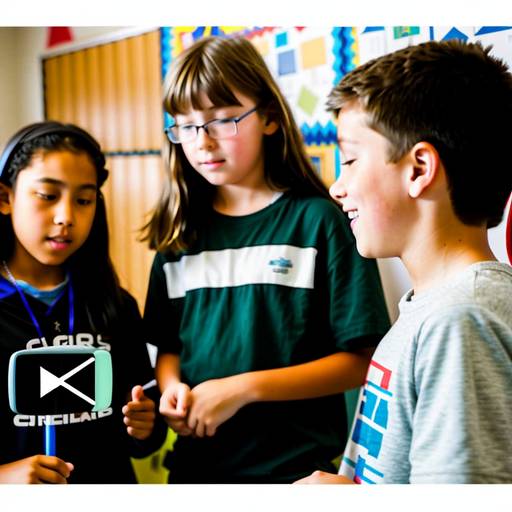
In this engaging technology lesson for 5th graders, students will dive into the world of multimedia creation by crafting their own short video stories. The lesson begins with an introduction to multimedia and effective storytelling techniques, followed by a group activity where students brainstorm ideas and create storyboards. During the second day, students will film their videos, applying essential filmmaking skills such as framing and sound management. The final class will focus on editing their videos using user-friendly software, allowing students to enhance their projects with music and transitions. Each group will then present their completed videos to the class, fostering a collaborative environment for sharing feedback. Throughout the lesson, students will be encouraged to reflect on their learning experiences while developing teamwork and technical skills essential for multimedia storytelling. The lesson also offers suggestions for further exploration and modifications to support diverse learning needs.
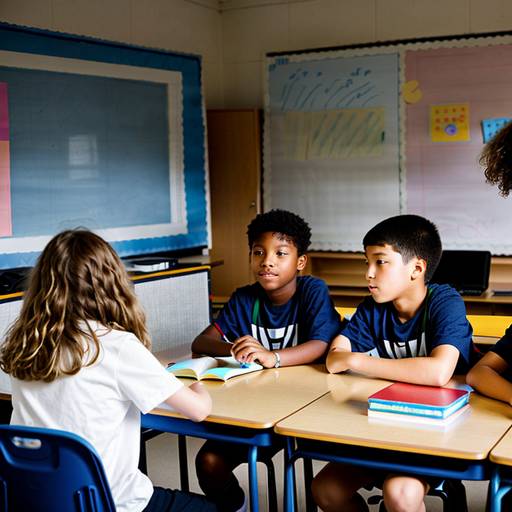
In this 5th grade technology lesson, students will engage in creating a digital storytelling project that integrates various multimedia elements. The lesson begins with an introduction to the concept of multimedia and its role in effective storytelling. Students will then select a topic and outline their presentations using a storyboard template.
After choosing their topics, they will explore different multimedia tools such as Google Slides, Microsoft PowerPoint, or Canva to create their presentations. The lesson includes a peer review component where students will share their drafts with a partner, receive feedback, and make improvements before finalizing their work.
Finally, students will present their multimedia projects to the class, showcasing the content they’ve developed and the multimedia elements they have integrated. Assessment will be based on a rubric that evaluates content quality, multimedia integration, presentation skills, and collaboration during the peer review process. The lesson encourages reflection on the impact of multimedia in enhancing communication and storytelling. Extensions and adaptations are included to cater to diverse skill levels and learning needs.
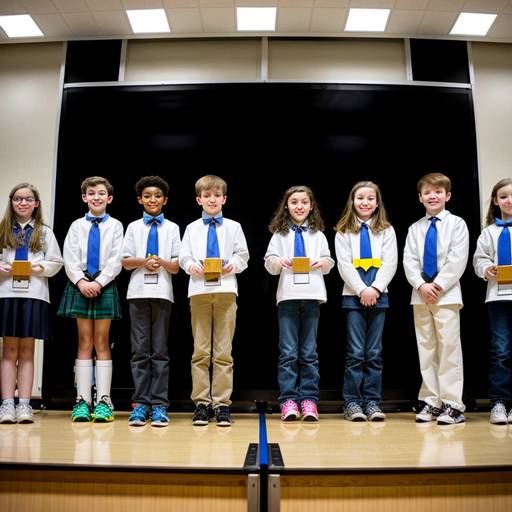
In this 5th-grade technology lesson plan, students will explore the fundamentals of robotics by designing, building, and programming their own robots. The lesson is divided into two class periods. During the first day, students will learn about various types of robots and brainstorm ideas for their own designs in small groups. They will sketch their robots, discuss their intended functions, and outline their design features.
On the second day, groups will receive robotics kits to construct their robots based on their designs. After completing the builds, students will be introduced to programming software, allowing them to create simple programs for their robots to perform specific tasks. They will test their robots, troubleshooting any issues that arise and refining both their designs and programs accordingly.
Assessment will focus on group collaboration, creativity, functionality, and the documentation of their planning process. The lesson encourages critical thinking, problem-solving, and teamwork. Additionally, students will reflect on their learning experience and discuss the relevance of robotics in future careers. Extensions include hosting a "Robot Challenge Day" for students to showcase their robots in various tasks.
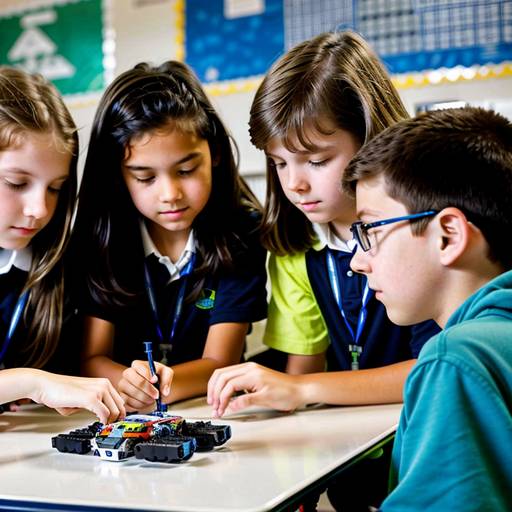
In this engaging 5th-grade technology lesson, students will delve into the fascinating world of robotics by learning about the basic components and various applications of robots. The lesson begins with an interactive discussion and video presentation to spark students’ interest. Next, they will work in small groups to brainstorm and design a robot that addresses a specific problem, fostering creativity and collaboration.
During the second class period, students will present their robot designs to their peers, explaining how their robots function and the issues they aim to solve. They will then have the opportunity to build a prototype using available materials, putting their ideas into action. The lesson concludes with a reflective discussion about the challenges faced during the design process and the real-world implications of robotics. Assessment will focus on participation, the effectiveness of the prototypes, and a reflection on what they learned, promoting critical thinking and teamwork skills while exploring the potential of technology in their future.
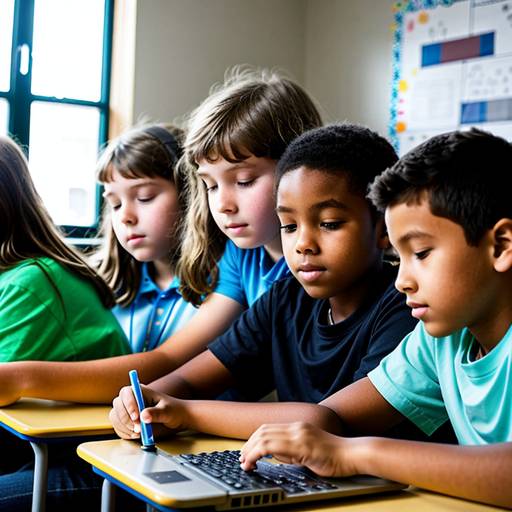
In this 5th-grade technology lesson plan, students will explore the basics of coding and programming languages through engaging discussions and hands-on activities. The lesson begins with an introduction to coding, including key vocabulary terms such as algorithm and debugging. Students will learn about different programming languages, with a particular focus on Scratch, a user-friendly platform for beginners.
The primary activity involves students logging into their Scratch or Code.org accounts to create simple animations or games using block coding. Throughout the activity, they will be encouraged to document their algorithms and troubleshoot any issues they encounter.
To conclude the lesson, students will have the opportunity to showcase their projects to classmates, discussing their learning experiences and the challenges they faced. Assessment will focus on student participation, project creativity, and comprehension of vocabulary. Extensions for advanced learners and adaptations for those needing additional support ensure a tailored learning experience for all students. Overall, the lesson aims to provide students with a foundational understanding of coding while fostering creativity and critical thinking skills.
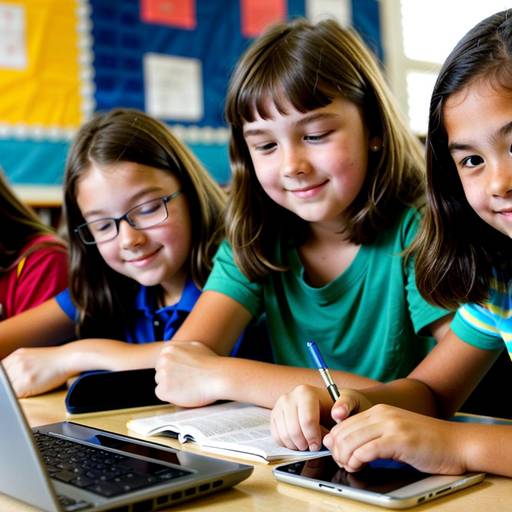
This 5th-grade technology lesson focuses on teaching students essential skills related to internet safety and email etiquette. The session begins with a discussion to gauge students' understanding of internet safety and then introduces key concepts, including safe online practices, the importance of digital footprints, and the fundamentals of composing polite emails.
Students participate in a guided practice where they create sample emails, followed by a peer review process to reinforce proper etiquette. The lesson includes a role-playing activity where students enact scenarios based on digital communication, showcasing their understanding of the topics covered.
The lesson concludes with a group discussion to reflect on key takeaways and an exit ticket activity to encourage students to commit to responsible online behavior. Evaluation is based on participation, email composition, and group presentations, with extensions suggested for further exploration of digital footprints and safety tips. Overall, the lesson aims to equip students with the necessary skills to navigate online spaces responsibly and communicate effectively through email.
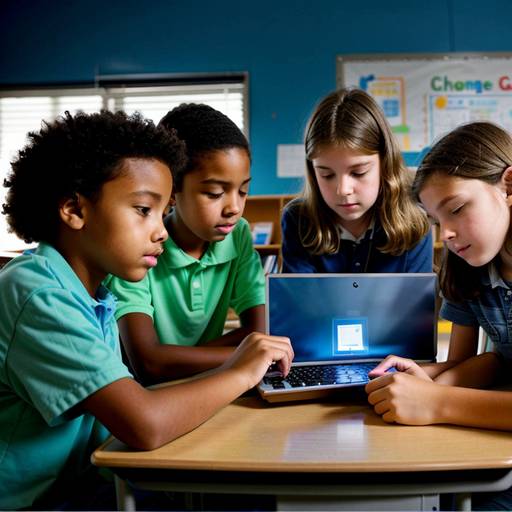
In this 5th-grade technology lesson, students will explore the essential skills of device maintenance and basic troubleshooting. The lesson begins with an engaging discussion about common device problems and the importance of taking care of technology. Through direct instruction, students will learn about physical care, the significance of software updates, and effective battery management.
Following this, students will engage in guided practice by working in small groups to identify and resolve potential issues on various devices. They will also practice maintenance tasks, such as cleaning and checking for updates. Independent practice will involve individual reflection, as each student will create a checklist of maintenance tips and troubleshooting steps that they find most valuable.
To close the lesson, students will share their insights and commit to applying what they have learned in future situations. The lesson will be assessed through observation of group participation and the collection of handouts summarizing their learning. An extension activity will encourage students to create videos demonstrating their newfound skills, promoting peer learning within the classroom. This comprehensive approach not only teaches practical skills but also empowers students to become more responsible and knowledgeable users of technology.
This 5th-grade technology lesson focuses on equipping students with essential internet skills related to privacy and digital footprint awareness. The lesson begins with an engaging discussion on digital footprints, defining what they are and exploring their implications. Following this, students learn about the importance of privacy settings on popular social media platforms through a structured presentation.
In groups, students research the privacy features of assigned platforms, discovering key settings and sharing tips for effective online privacy management. The class then discusses their findings, fostering collaborative learning and critical thinking regarding personal information sharing. The lesson concludes with a recap and a homework assignment where students create a "Privacy Checklist" to help them manage their online presence responsibly.
Overall, this lesson aims to empower students with the knowledge and tools necessary to navigate the internet safely, emphasizing the importance of being cautious about their digital footprints and making informed decisions about sharing information online.
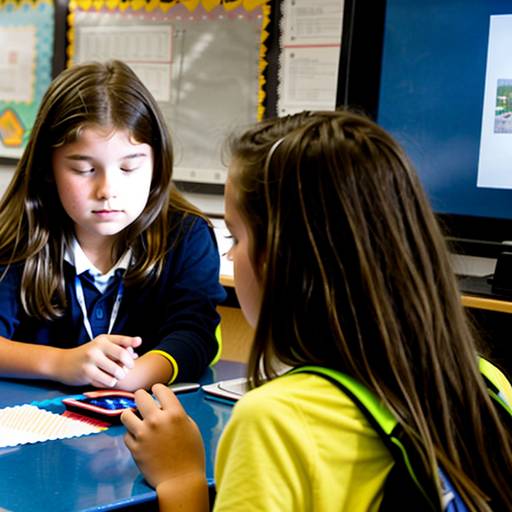
In this 5th-grade technology lesson, students will explore the creation of multimedia presentations that combine text, images, audio, and video to effectively tell a story or present information on a chosen topic. The lesson spans two class periods and begins with an introduction to multimedia elements, followed by brainstorming sessions to generate ideas for their projects. Students will then develop storyboards to plan their presentations, focusing on structure and the types of media they wish to incorporate.
In the second class period, students will use presentation software to create their projects, applying key design principles for effective communication. They will practice presenting their work to peers, providing constructive feedback in pairs before presenting their finished multimedia creations to the entire class. Assessment will be based on a rubric evaluating creativity, clarity, use of multimedia elements, presentation skills, and audience engagement. The lesson emphasizes collaboration, creativity, and the effective use of technology to convey messages, culminating in a showcase of their work. Additionally, a reflection discussion will allow students to share their experiences and insights gained throughout the process.