
Filters
Level
Grade
Subject
Subject Area
Subject Topic
Standard(s)
Audience
Keyword
DurationMinutes
3rd Grade Technology Lesson Plans
In this 3rd-grade technology lesson, students will learn essential skills for using the internet safely and responsibly. The session begins with a discussion about the internet and its uses, followed by an engaging video that emphasizes key safety tips, such as protecting personal information and identifying trustworthy websites. Students will then participate in an interactive discussion to reinforce the importance of internet safety.
Next, they will practice safe search techniques by collaboratively searching for information online. In small groups, students will analyze scenario cards depicting various online situations—some safe and some unsafe—and share their conclusions with the class. The lesson concludes with reflections where students will express one new thing they've learned about internet safety.
Assessment will be based on student participation and understanding, as demonstrated through discussions and reflections. Extensions include a homework assignment to create an "internet safety poster" and the potential for inviting a guest speaker to further discuss online safety in future classes. Overall, this lesson equips students with foundational knowledge and skills to navigate the internet securely.
In this 3rd-grade technology lesson, students will gain foundational skills in using search engines to find information online. The session begins with an engaging discussion about the students' experiences with the internet, followed by a direct instruction segment that introduces the concept of search engines and the importance of keywords and evaluating source credibility. Students will then participate in a guided group activity where they will practice searching for answers to specific questions, promoting collaboration and active learning.
Afterward, they will complete an individual "Safe Searching" worksheet that reinforces concepts of internet safety and the evaluation of online sources. The lesson concludes with a class discussion that allows students to reflect on their learning. Assessment will be based on worksheet completion and group participation during activities. Extensions include introducing more advanced search techniques and creating a classroom display of safe searching tips.
This third-grade lesson focuses on introducing students to the concept of technology and how it works. It begins with an engaging class discussion in which students share various technologies they use in everyday life. A supportive video may be shown to illustrate common devices in action. Students are then divided into small groups, where they research a selected device, learning about its function and utility. Each group prepares a presentation—such as a poster, skit, or demonstration—based on their findings, which they share with the class. The lesson concludes with a wrap-up discussion to reflect on key learnings and an exit ticket for individual feedback. Assessment includes observing group participation and evaluating presentations, with differentiation strategies in place to support diverse learning needs. Overall, this lesson fosters collaboration, creativity, and critical thinking while helping students understand the role of technology in their lives.
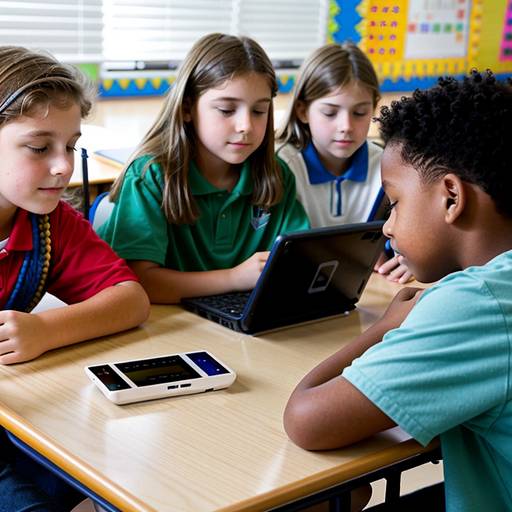
In this 3rd-grade technology lesson, students will learn the importance of proper device maintenance and handling. The lesson begins with a discussion about the devices they use, followed by an instructional segment that highlights the reasons for taking care of technology, safe handling techniques, and effective cleaning methods. Students will participate in hands-on activities, practicing these techniques in small groups, guided by the teacher. They will also create personal device care checklists to ensure they understand the daily and weekly maintenance tasks essential for keeping their devices in good condition. The lesson concludes with a recap and encourages students to share their checklists with their families, fostering a sense of responsibility for their technology use. Through observation and participation, the teacher will assess student understanding, while opportunities for differentiation will cater to various learning needs. Overall, the lesson aims to empower students to become responsible stewards of their devices, instilling good habits for their future education.
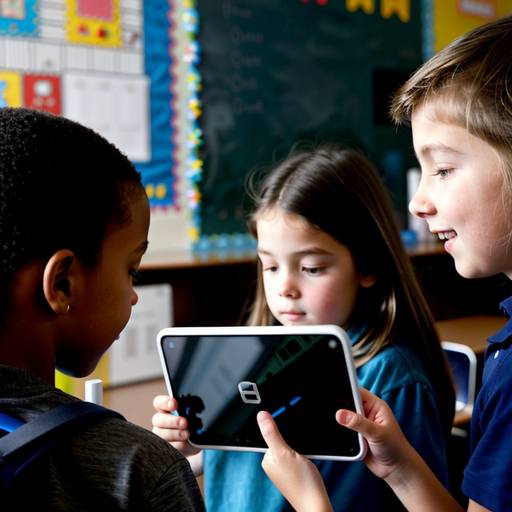
This lesson introduces third-grade students to the concept of technology, highlighting its presence in everyday life and exploring how different devices function. The session begins with a class discussion to gather students' ideas about technology, followed by an examination of various technological tools, such as smartphones and computers. Students learn about the basic components of electronic devices, including batteries, circuits, and switches, emphasizing the collaboration of these parts in powering gadgets.
In a hands-on activity, students work in small groups to create a simple circuit that lights a bulb, encouraging teamwork and problem-solving. Each group presents their project, explaining the functioning of their circuit and the challenges faced. The lesson concludes with a recap of the key concepts and a creative assignment where students draw a technology they appreciate, label its parts, and describe how it works. The lesson aims to foster an understanding of technology and its applications while promoting engagement and creativity among students. Assessment is based on participation in discussions, group activities, and completion of the worksheets. Additional activities for extending learning are suggested, including technology research and a "Technology Show and Tell."
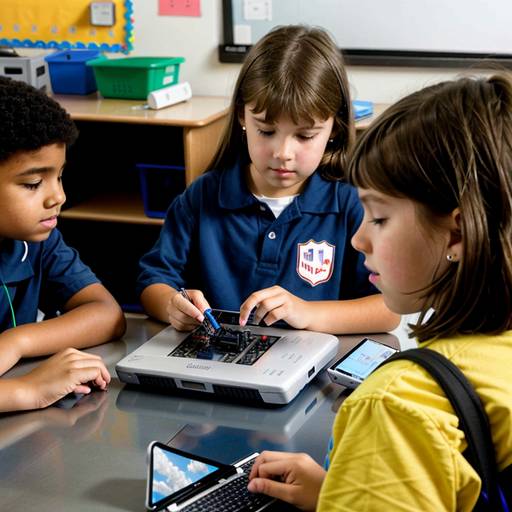
This lesson plan is designed for 3rd-grade students to develop their understanding of device maintenance and basic troubleshooting skills. The lesson begins with a discussion about the devices students use, followed by direct instruction on device components and care tips. Students will learn about common device problems and essential troubleshooting steps.
In guided practice, small groups will analyze specific scenarios and devise solutions using a troubleshooting checklist, followed by presentations to the class. For independent practice, students will match common issues with possible solutions on a worksheet, encouraging personal reflection on their devices at home.
The lesson concludes with a recap of the importance of device maintenance and troubleshooting, fostering student engagement and understanding through group discussions and activities. Optional extension activities allow students to create posters about what they've learned, enhancing their connection to the topic. The overall objective is to empower students with practical skills for caring for their technology, promoting responsibility and independence.
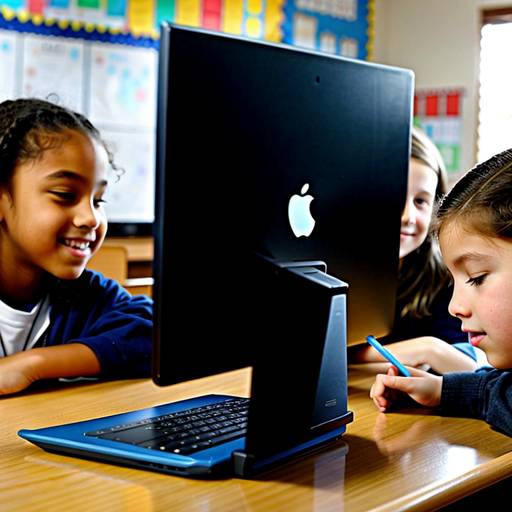
In this 3rd grade technology lesson, students will learn the importance of proper device handling and maintenance to ensure the longevity and functionality of their devices. The session begins with a discussion about how to safely interact with technology, emphasizing the significance of cleaning and protecting devices. Students will engage in a hands-on activity where they will practice cleaning their devices using microfiber cloths and approved screen cleaners, while also learning about safe storage practices.
Throughout the lesson, they will work in groups to create a “Cloud of Care,” compiling maintenance tips on sticky notes, fostering collaboration and critical thinking. The lesson concludes with a review of the key points discussed and a short quiz to assess their understanding of device care practices. To solidify their learning, students will have the opportunity to create a poster for homework, illustrating their favorite device maintenance tip, which they can share with their peers and families. This lesson encourages responsible use of technology while making the learning process interactive and enjoyable.
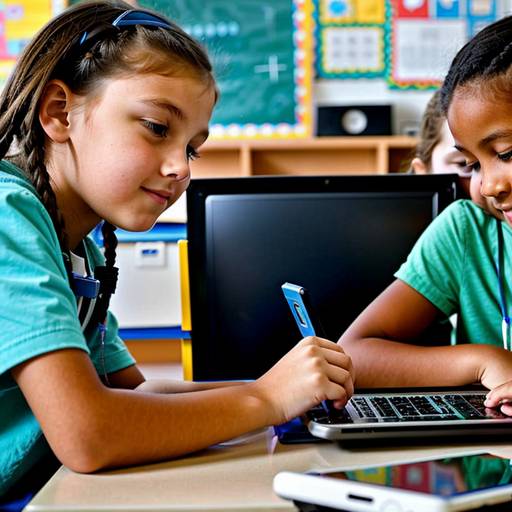
In this 3rd-grade technology lesson, students will learn about the importance of device maintenance and organization. The lesson will begin with a discussion about their favorite digital devices and the need for care and organization to ensure optimal functionality. Students will engage in a hands-on activity where they will practice cleaning their devices and creating organized folders or files on them. They will be guided on proper cleaning techniques and how to name and categorize their digital content effectively. The lesson will conclude with a group discussion to reinforce learning, during which students will share their insights and commit to specific actions for better device care. Rewards in the form of stickers will be given to encourage participation. Adaptations will be provided for those needing extra support, while advanced students will have the opportunity to explore more comprehensive organizational strategies. To follow up, students will create a "Device Care" poster to share their knowledge with others.
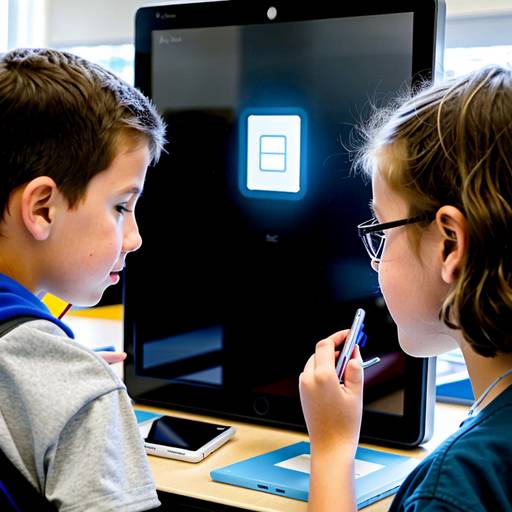
In this 3rd-grade technology lesson, students will learn the importance of proper device handling and maintenance. The lesson begins with a discussion on the significance of caring for technology, followed by a demonstration of how to safely use and store various devices, such as tablets, laptops, and headphones. Key maintenance tips will be presented, including keeping devices clean and properly charging them.
Students will then participate in an engaging activity where they create and personalize a "Device Care Checklist" to take home and share with their families. Through pair discussions, they will reflect on their experiences with technology and the consequences of not taking care of it. The lesson concludes with a recap of the concepts covered and a brief assessment to reinforce learning. Additional resources and follow-up activities will further encourage responsible technology use among students.
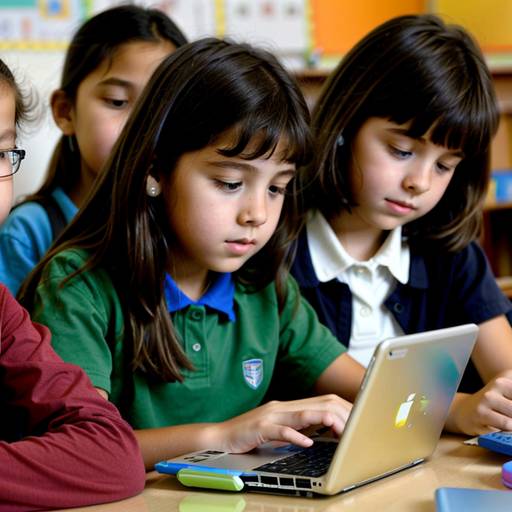
In this 3rd-grade technology lesson, students will explore the importance of device maintenance and organization. The class will start with a discussion about how to care for devices, followed by direct instruction on essential maintenance tasks like screen cleaning, software updates, and damage checks. Students will then engage in hands-on activities where they will clean their devices and create folders to organize their files and applications. The lesson will conclude with a sharing session where students reflect on their organizational strategies and the significance of caring for their technology. A handout with device care tips will be sent home to reinforce learning. The lesson aims to instill responsible technology use habits and enhance students’ understanding of maintaining their devices effectively.