
Filters
Level
Grade
Subject
Subject Area
Subject Topic
Standard(s)
Audience
Keyword
DurationMinutes
3rd Grade Technology Lesson Plans
This lesson plan focuses on teaching 3rd-grade students the principles of digital citizenship and raising awareness about cyberbullying. The lesson begins with a discussion on what it means to be a good citizen both online and offline, followed by an engaging video that illustrates the key concepts. Students then participate in small-group activities where they analyze scenarios related to cyberbullying and devise kind responses, fostering empathy and solution-oriented thinking.
To reinforce their learning, students engage in an interactive Bingo game that highlights the importance of kindness in digital interactions. The lesson concludes with a reflection on the key takeaways, encouraging students to commit to spreading kindness online. Overall, this plan aims to equip students with the knowledge and skills needed to create a respectful and supportive digital environment.
In this technology lesson for 3rd graders, students will learn about online safety and the significance of privacy settings. The session begins with discussions about digital footprints, helping students understand the trail of information they leave while using the internet. The teacher will guide them through adjusting privacy settings on a child-friendly website and highlight the importance of safeguarding personal information.
Students will participate in an interactive activity where they categorize different websites as “Safe” or “Not Safe” based on features that contribute to online safety. The lesson concludes with a recap of key concepts and a short quiz to assess their understanding. Throughout the lesson, adaptations will be made to support diverse learners, ensuring that all students can engage with the material. Students are encouraged to share their new knowledge with family members, reinforcing the continuous importance of staying safe online.
This lesson plan for 3rd-grade students focuses on developing essential internet skills and promoting online safety awareness. Over the course of one hour, students will engage in discussions about the internet, learn key terminology, and participate in hands-on activities to navigate web browsers effectively and conduct safe online research. They will work in pairs to find information using child-friendly search engines while practicing important safety rules, such as never sharing personal information and consulting an adult when unsure.
Students will then collaborate to create posters that illustrate one of the internet safety rules and present their work to the class. The lesson concludes with a review of the key concepts and an interactive quiz to assess understanding. Through this engaging and interactive approach, students will gain valuable skills for navigating the internet safely and responsibly, preparing them for future online experiences.
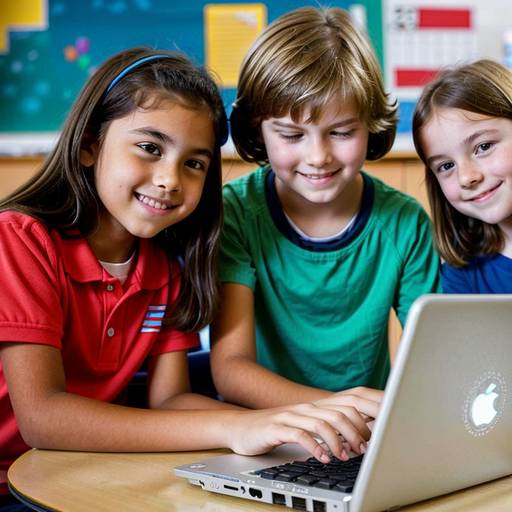
This lesson plan is designed for 3rd-grade students to help them develop essential internet skills and understand the basics of search engines. The lesson begins with a discussion about the internet and its purpose, followed by direct instruction on how search engines work, the importance of keywords, and evaluating the credibility of sources.
Students engage in guided practice by teaming up to explore research topics using search engines, noting interesting facts they find. They then participate in an independent search challenge to further develop their skills in finding and recording information. The lesson culminates in a recap of key points and prepares students for the next topic of internet safety.
Assessment is based on observation during activities and the accuracy of the information gathered. Modifications are included to support diverse learners, ensuring that all students can participate and succeed. Overall, the plan emphasizes effective information retrieval, critical thinking, and responsible online exploration.
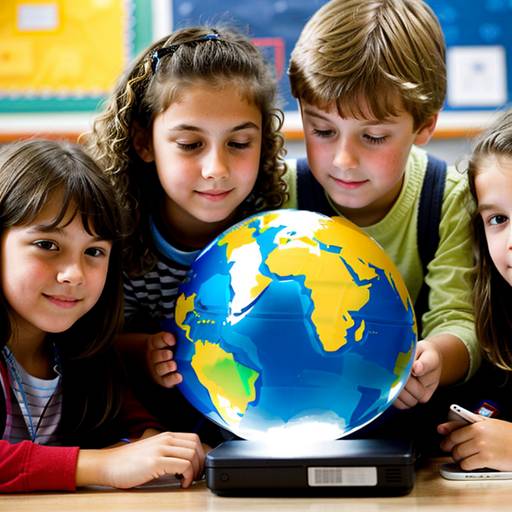
In this 1-hour lesson plan for 3rd-grade students, the focus is on developing essential internet skills and online research techniques. The session begins with an engaging introduction that prompts students to share their knowledge about the internet and its functions. Following this, students are taught important internet safety guidelines to ensure they navigate online spaces securely.
After discussing reliable sources and how to use search engines effectively, students are divided into small groups to conduct research on pre-selected topics such as animals, space, or inventions. Utilizing computers or tablets, they gather information, documenting their findings on a structured worksheet. This collaborative activity encourages teamwork as students explore various resources.
The lesson concludes with students sharing interesting facts they discovered, reinforcing the key concepts of safe browsing and effective research. Assessment strategies include monitoring participation and reviewing completed worksheets. Extension activities are suggested to further enhance students' understanding and application of their learned skills. Overall, this lesson effectively combines technology education with critical thinking and collaborative learning.
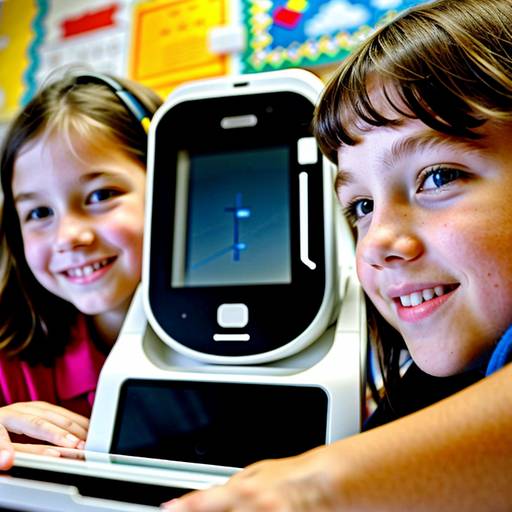
In this 3rd-grade technology lesson, students will learn essential skills related to device maintenance and basic troubleshooting techniques. The lesson starts with a discussion about the importance of caring for electronic devices, followed by hands-on activities where students practice cleaning various devices and address common issues that may arise, such as slow performance or charging problems.
Working in small groups, students will engage in troubleshooting challenges, using provided handouts to identify solutions for specific scenarios. Throughout the lesson, students will share their insights and create a supportive learning environment, culminating in a recap of the techniques learned and a commitment to practicing good device care at home. Additional extensions include creating a Device Care Checklist to share with family members. The lesson emphasizes collaboration and active participation, ensuring that all students grasp the significance of keeping their devices in optimal condition.
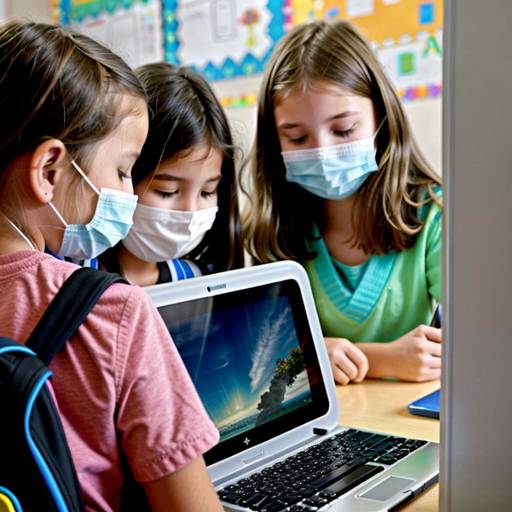
In this technology lesson aimed at 3rd graders, students will explore the significance of maintaining and cleaning their devices. The lesson begins with a discussion on the importance of device care and a short video reinforcing the concepts of maintenance and cleaning. Following a demonstration of proper cleaning techniques, students will engage in guided practice by dividing into small groups to clean various classroom devices, using safe and appropriate materials. After practicing, they will work with a partner to share insights about what they learned. The lesson concludes with a group discussion and an interactive quiz to reinforce key points. Assessment will involve observing student participation and understanding during cleaning activities and discussions. Additionally, follow-up activities will include creating a classroom poster of cleaning tips and writing reflections on their learning experiences. Safety and appropriate use of cleaning supplies will be emphasized throughout the lesson.
In this lesson plan, 3rd-grade students will explore the importance of digital citizenship and privacy protection in the online world. The lesson begins with a discussion about being responsible digital citizens and the significance of keeping personal information private. Students will engage in role-playing scenarios to identify what information is safe to share.
Through an interactive Bingo game, they will differentiate between personal and safe information, reinforcing their understanding of privacy. In small groups, students will create an "Online Safety Plan" poster that outlines strategies for online safety, which they will then share with the class. The lesson concludes with reflections on what students learned and how they can apply these concepts at home and in school. Overall, the plan emphasizes responsible online behavior, empowering students to navigate the digital landscape safely.
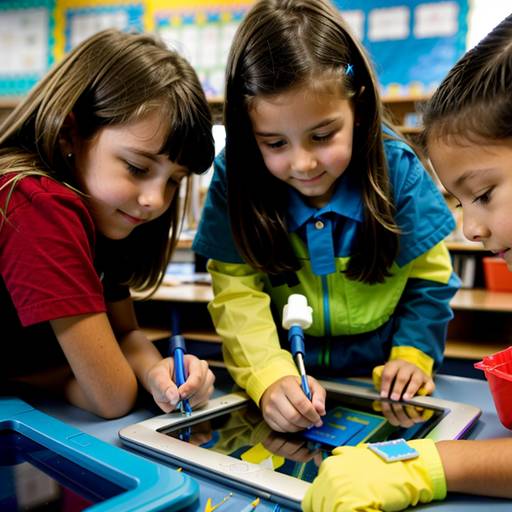
In this lesson designed for 3rd-grade students, the focus is on teaching the importance of maintaining and cleaning electronic devices. Students will learn safe cleaning practices, including which materials to use and what to avoid. The lesson begins with an interactive discussion where students share the devices they use and why proper care is essential. A demonstration of cleaning techniques will follow, guiding students in hands-on experience as they clean various classroom devices in small groups.
Students will also create a personalized maintenance checklist for their devices, which includes cleaning and maintenance tasks, encouraging them to adopt responsible habits at home. The session concludes with a recap of key points and an opportunity for students to share what they learned. Assessment will involve observing students during the cleaning practice and reviewing their checklists to ensure comprehension of the concepts covered. Extensions may include creating informational posters and scheduling regular device cleaning days. Overall, the lesson aims to foster a sense of responsibility for technology among students.
This 3rd-grade lesson plan focuses on teaching students the importance of maintaining and organizing their technology devices. The session begins with a discussion about the devices students use and the consequences of neglecting their care. After a brief video presentation, students receive direct instruction on properly cleaning their devices, troubleshooting common issues, and organizing apps, files, and cables.
The lesson includes guided practice where students clean their devices and organize their accessories using bins and labels. To reinforce their learning, students complete a printed checklist identifying key points and their plans for maintaining their devices. The lesson concludes with a sharing session where students discuss their takeaways. Assessment is done through observations during activities and the completed checklists. Possible extensions include creating a class poster with maintenance tips and a follow-up lesson on digital hygiene. Ultimately, the lesson aims to instill responsible digital habits and enhance the students' overall technology experience.