
Filters
Level
Grade
Subject
Subject Area
Subject Topic
Standard(s)
Audience
Keyword
DurationMinutes
4th Grade Technology Lesson Plans
This lesson plan is designed for 4th-grade students to develop essential internet skills and understand the importance of internet safety. The session begins with an engaging introduction where students share their online interests, leading to a discussion on safe and responsible internet use.
A key presentation outlines crucial safety tips, such as protecting personal information, recognizing reliable sources, and understanding online privacy settings. Students then participate in a guided practice activity where they analyze various websites in groups, using a provided checklist to determine reliability, followed by presentations of their findings.
In the independent practice segment, students create posters highlighting an internet safety tip, allowing for creativity and reinforcing their understanding of the concepts discussed. The lesson concludes with a review of key takeaways, and students receive handouts summarizing important internet safety guidelines.
Assessment consists of observations during group activities and evaluations of the safety posters. The plan also includes extensions for advanced learners and accommodations for students with special needs, ensuring all students are supported in grasping the critical lessons about navigating the internet safely.
In this 4th-grade technology lesson, students will learn about the importance of device maintenance and proper cleaning techniques for various classroom devices. The lesson begins with a discussion about the devices students use, followed by an engaging presentation on the benefits of regular maintenance. Students will be introduced to key cleaning steps, such as how to appropriately clean screens and keyboards, and the importance of using the right materials.
After instruction, students will participate in a hands-on activity where they work in small groups to clean assigned devices using the techniques they learned. The lesson concludes with a group discussion, allowing students to share their experiences and insights about device care. A checklist for home device maintenance will also be provided to reinforce the concepts discussed. Assessment will be based on observation during the cleaning activity and a brief reflection to evaluate students' understanding of device maintenance and its significance. Additional extensions may include a visit from the school’s IT technician and the formation of a "Device Care Club" for ongoing maintenance support.
This lesson plan aims to introduce 4th-grade students to the concept of technology and its various tools, both hardware and software, and to engage them in hands-on learning. The lesson begins with a class discussion to define technology and to identify examples from students' daily lives. Following this, a presentation categorizes technology tools and explains their applications in different professions, providing students with printed materials for reference.
In the hands-on activity, students will utilize an online coding platform to create simple projects, encouraging collaboration and creativity. The lesson wraps up with a reflection segment where students share their projects and discuss their learnings, emphasizing the impact of technology and its potential for future innovations. Assessment will be based on participation, project creativity, and individual reflections. Extensions for advanced learners will also be offered, ensuring that all students have the opportunity to further explore technology tools.
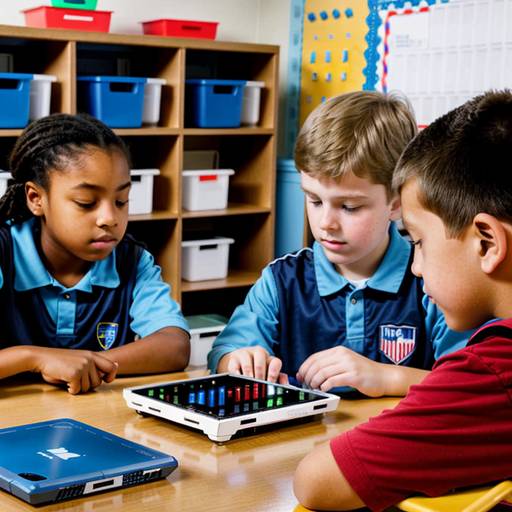
This lesson plan is designed for 4th-grade students to learn essential skills related to device maintenance and troubleshooting. The class begins with a discussion about the technology devices students use at school and home, followed by an introduction to the importance of device care and common issues they may encounter.
Students will engage in direct instruction on how to clean devices properly and perform basic troubleshooting steps for problems like slow performance or failure to power on. In small groups, students will practice maintenance tasks on various devices and create troubleshooting flowcharts for common issues.
The student groups will then present their findings and share their insights with the class, fostering collaboration and discussion. The lesson concludes with a brief assessment through a quiz, reinforcing their understanding of the content. Extensions to the lesson encourage students to apply their newfound knowledge at home and even teach their parents. This engaging and interactive approach helps cultivate a sense of responsibility toward technology.
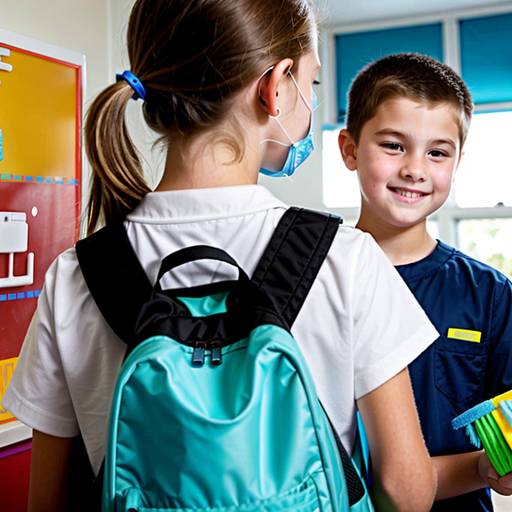
In this 4th-grade technology lesson, students will explore the importance of device maintenance and cleaning. The lesson begins with an engaging discussion about the feelings associated with using dirty devices, leading to an understanding of how cleanliness affects device performance and longevity. A demonstration will showcase proper cleaning techniques for tablets and laptops, including the effective use of microfiber cloths and cleaning solutions. Students will then participate in a hands-on activity to practice cleaning their own devices. Following this, they will create a personal cleaning schedule detailing how often and what tasks to perform to maintain their devices. The lesson concludes with a recap and an exit ticket prompting students to reflect on one new thing they learned about device care. Through active participation and practical skills, students will become more responsible users of technology.
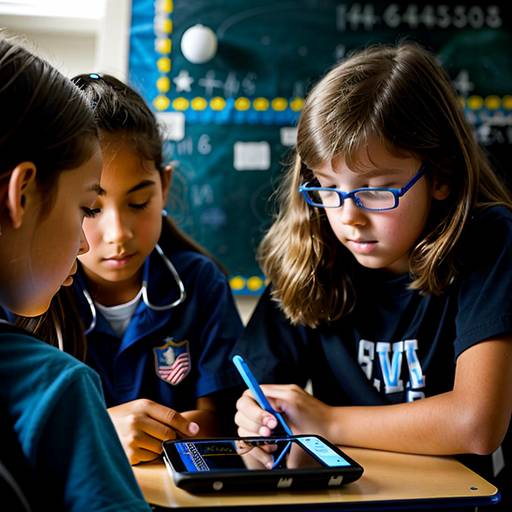
This 4th-grade technology lesson focuses on teaching students the fundamentals of device maintenance and troubleshooting techniques. The lesson begins with a discussion about students’ experiences with device issues to engage and connect with them. Key practices for maintaining devices, such as cleaning, proper charging, and software updates, are introduced, along with common problems and potential solutions.
Students are then divided into small groups, where they explore specific devices, discuss maintenance issues, and collaborate on developing troubleshooting strategies. Each group creates a troubleshooting guide that highlights their top tips. A gallery walk allows students to share and learn from each other’s contributions.
The lesson concludes with a reflection on the importance of caring for devices and the confidence gained from solving problems. Assessment is based on group engagement, the quality of troubleshooting tips created, and individual reflections submitted as exit tickets. Extensions encourage students to apply their skills at home, while adaptations ensure that all learners can participate meaningfully in the activities.
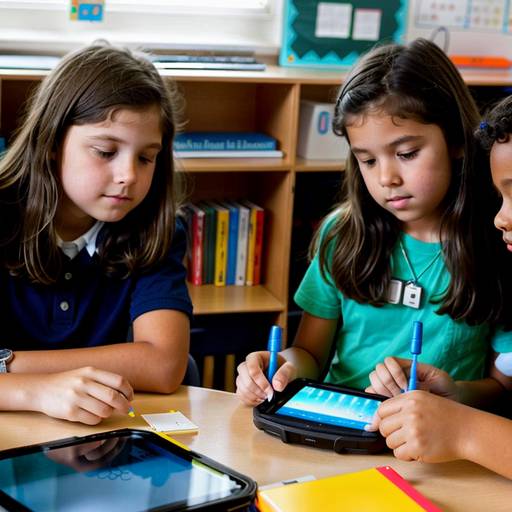
In this 4th-grade technology lesson, students will learn about technology and its impact on daily life, as well as identify various technology tools and their functions. The lesson begins with a class discussion where students share their thoughts and experiences with technology, leading into an overview of different categories of technology tools, such as communication, education, creativity, and production tools.
Students will then be divided into small groups, where each group will select a specific technology tool to research. They will use internet-enabled devices to gather information about their assigned tool, focusing on its purpose, usage, and interesting facts. After their research, groups will create a poster or digital presentation summarizing their findings.
The lesson will conclude with each group presenting their work to the class, followed by a recap that emphasizes the importance of technology in enhancing learning and everyday activities. For homework, students will identify a technology tool they commonly use at home and write a brief descriptive paragraph about it. Overall, the lesson aims to foster collaborative learning, critical thinking, and an appreciation for technology tools among students.
In this engaging 4th-grade technology lesson, students explore the essential practices of device maintenance and organization. The lesson begins with a discussion about the devices they use, emphasizing the importance of care and upkeep. Students learn basic maintenance tasks such as cleaning screens and keyboards, followed by a hands-on activity where they practice cleaning their devices safely.
Next, the focus shifts to digital organization, where students discuss the challenges they face in managing files and applications. They then create organizational folders in a shared digital space, learning to categorize their documents effectively.
The lesson concludes with a recap of key concepts, where students share their insights and outline their plans to implement these practices in their daily technology use. A homework assignment encourages them to develop a personalized "Device Care Plan," fostering responsible technology habits at home. Overall, this lesson aims to empower students with the skills needed to maintain and organize their devices effectively.
In this 4th-grade technology lesson, students will learn the essential skills of device maintenance and organization. The session begins with a discussion about the various tech devices used by students and their importance. Through a combination of videos and hands-on demonstrations, students will discover practical tips for maintaining their devices, including cleaning methods, battery care, and the significance of regular software updates.
Following this, emphasis is placed on digital organization, teaching students how to create and manage folders, name files clearly, and maintain an orderly digital workspace. The lesson incorporates interactive activities where students practice cleaning their devices and organizing files on their devices.
In the concluding segment, students will reflect on what they learned and share one maintenance and one organization tip with the class. This comprehensive approach not only develops students' technical skills but also instills a sense of responsibility for their devices, preparing them for effective technology use in their education. Handouts with maintenance and organization tips will be provided for students to take home, reinforcing the lessons learned.
This lesson plan for 4th-grade students focuses on the importance of device maintenance and cleaning. It begins with an engaging discussion about the devices students commonly use, followed by an explanation of why proper care is essential for prolonging device lifespan and performance. Through direct instruction, students learn effective cleaning techniques, including the safe use of microfiber cloths, screen cleaners, canned air, and disinfectant wipes.
In a guided practice activity, students work in groups to apply these cleaning methods using provided supplies. They are also encouraged to role-play scenarios related to improper maintenance. Following this, students independently create a personalized cleaning guide, outlining the steps they will take to care for their devices at home. The lesson concludes with a review and a Q&A session to reinforce understanding. Assessment includes observing group activities and collecting the cleaning guides to evaluate comprehension. Optional extensions may involve peer presentations or guest speakers from the tech field to further enhance learning.