
Filters
Level
Grade
Subject
Subject Area
Subject Topic
Standard(s)
Audience
Keyword
DurationMinutes
5th Grade Photo Editing Lesson Plans
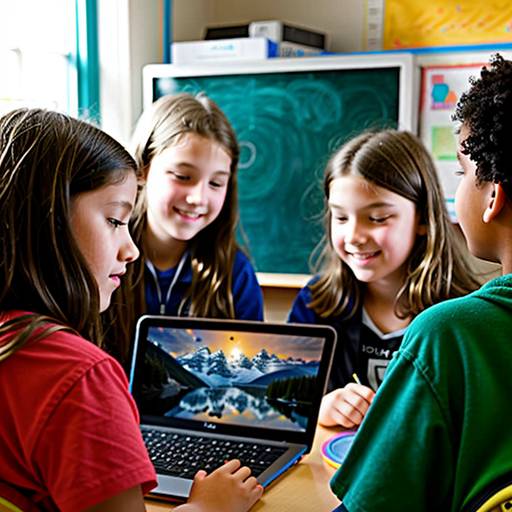
This lesson plan aims to teach 5th-grade students the fundamentals of multimedia creation and photo editing. Over the course of two class periods, students will explore the importance of multimedia in storytelling and learn essential photo editing techniques, such as cropping, adjusting brightness, adding filters, and overlaying text. They will participate in hands-on activities, where they select and edit images for their visual stories.
In the second class, students will compile their edited images into a cohesive digital story using multimedia creation tools, incorporating text, sound, and transitions. Peer feedback and sharing sessions will foster collaboration and encourage creativity. Students will be assessed on participation, creativity, and their application of photo editing skills, with accommodations and extension activities provided to support diverse learners and enhance their understanding of technology. Through this engaging approach, students will develop critical thinking, communication, and creativity skills.
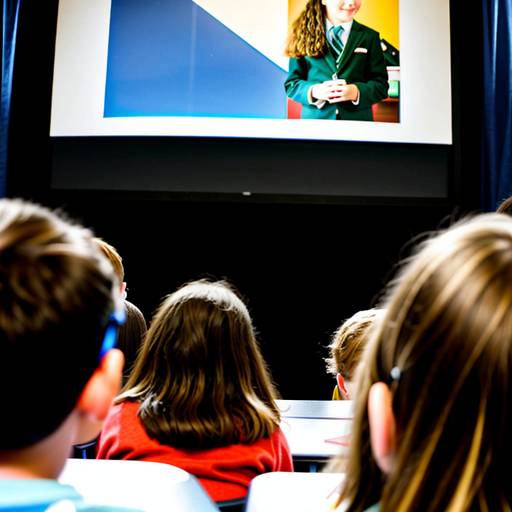
In this 5th-grade technology lesson, students will explore multimedia creation through photo editing and storytelling techniques. Over the course of two class periods, they will learn essential photo editing skills using multimedia software, such as cropping, adjusting brightness, and adding text.
The lesson begins with a discussion on how visuals can convey messages, followed by a demonstration of the photo editing tools. Students will then work in pairs to select a theme for their digital photo collage, sketching out their ideas before creating their collages using the software.
On the second day, students will present their collages to the class, explaining their creative choices and the techniques they utilized. Assessment will focus on participation, creativity, and clarity in both the collage and the presentation. Additional extensions may include creating a digital portfolio of work and organizing a gallery walk to showcase student projects. Overall, the lesson fosters creativity, collaboration, and practical skills in multimedia creation.