
Filters
Level
Grade
Subject
Subject Area
Subject Topic
Standard(s)
Audience
Keyword
DurationMinutes
5th Grade Troubleshooting Basics Lesson Plans
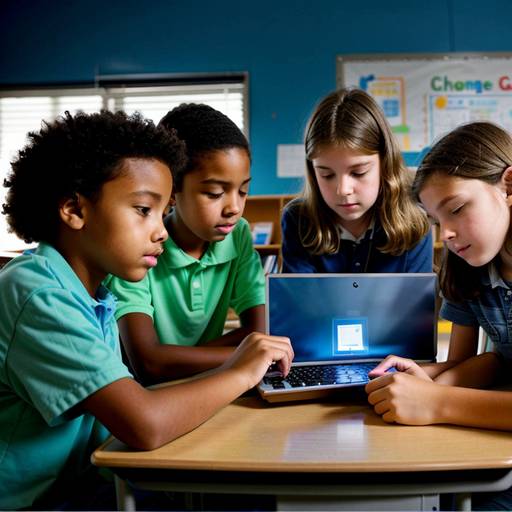
In this 5th-grade technology lesson, students will explore the essential skills of device maintenance and basic troubleshooting. The lesson begins with an engaging discussion about common device problems and the importance of taking care of technology. Through direct instruction, students will learn about physical care, the significance of software updates, and effective battery management.
Following this, students will engage in guided practice by working in small groups to identify and resolve potential issues on various devices. They will also practice maintenance tasks, such as cleaning and checking for updates. Independent practice will involve individual reflection, as each student will create a checklist of maintenance tips and troubleshooting steps that they find most valuable.
To close the lesson, students will share their insights and commit to applying what they have learned in future situations. The lesson will be assessed through observation of group participation and the collection of handouts summarizing their learning. An extension activity will encourage students to create videos demonstrating their newfound skills, promoting peer learning within the classroom. This comprehensive approach not only teaches practical skills but also empowers students to become more responsible and knowledgeable users of technology.
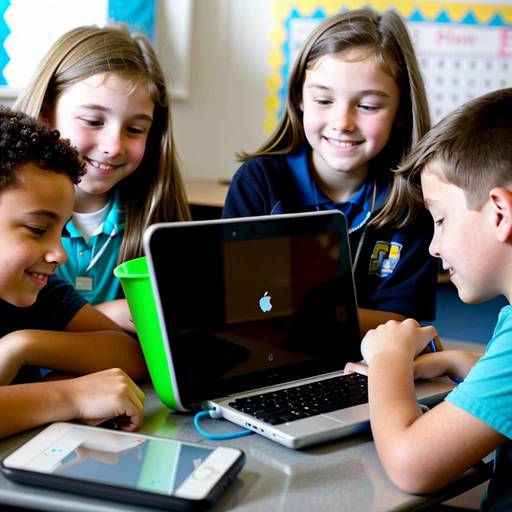
In this 5th-grade technology lesson, students will explore the fundamental concepts of device maintenance and basic troubleshooting techniques. The lesson aims to help students understand common issues they may encounter with their devices, such as slow performance or frozen screens, and equip them with practical solutions.
The class will begin with a discussion about the devices students use and their experiences with any problems. Next, students will learn about basic troubleshooting steps, such as restarting devices, checking for updates, and managing apps. Small groups will work on problem-solving scenarios to apply these steps.
Students will also be introduced to essential maintenance tips, including regularly updating software and properly cleaning devices, which will be demonstrated in class. Each student will create a personalized device care checklist incorporating the knowledge gained throughout the lesson.
Finally, students will reflect on what they learned and how they can apply their new skills at home. Participation in discussions and the creation of the checklist will be used to assess their understanding of device maintenance and troubleshooting. An optional extension activity invites students to research additional tips and share their findings in the next class.