
Filters
Level
Grade
Subject
Subject Area
Subject Topic
Standard(s)
Audience
Keyword
DurationMinutes
4th Grade Photo Editing Lesson Plans
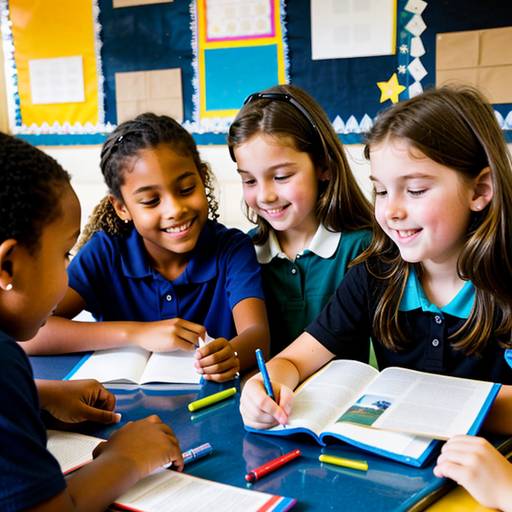
The first day begins with an introduction to multimedia components, followed by a demonstration of basic photo editing tools. Students are then given hands-on practice to edit sample images, promoting engagement and skill development.
On the second day, students apply their newly acquired skills to create a short visual story. They select and edit images, write accompanying text, and combine these elements into a multimedia presentation. The lesson concludes with students sharing their projects with the class, fostering collaboration and public speaking skills. Assessment is based on creativity, clarity, and effective use of multimedia elements, while extensions allow for further engagement through sharing projects with families and incorporating audio components. Overall, this lesson promotes creativity and digital literacy in an interactive learning environment.
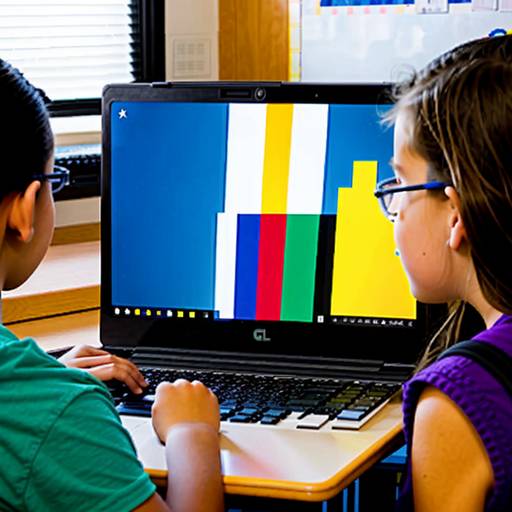
In this lesson, 4th-grade students will engage in multimedia creation and photo editing by developing a digital collage that narrates a story or conveys a message. The lesson spans two class periods, during which students will first explore basic functions of photo editing software through demonstrations and hands-on practice. They will brainstorm and plan their creative projects, selecting images and texts that reflect their ideas. In the second session, students will create their collages using the skills they've learned, followed by presentations to their classmates explaining their artistic choices and storytelling. This activity not only enhances their technical skills in digital editing but also promotes creativity, communication, and collaboration. Assessment will include observing student participation, evaluating planning worksheets, and using a rubric for the final projects to ensure a comprehensive understanding of the concepts.