
Filters
Level
Grade
Subject
Subject Area
Subject Topic
Standard(s)
Audience
Keyword
DurationMinutes
4th Grade Troubleshooting Basics Lesson Plans
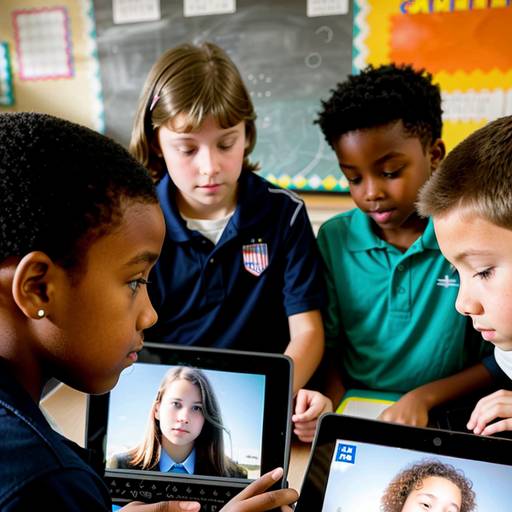
In this engaging technology lesson for 4th graders, students will learn essential skills in device maintenance and troubleshooting. The lesson begins with a discussion about common device issues that students may encounter, such as slow performance or charging problems. Through direct instruction, students will explore routine maintenance practices and the troubleshooting process, which includes identifying problems, researching solutions, and implementing fixes.
During guided practice, students will work in small groups to analyze specific scenarios involving device issues, brainstorm potential causes, and present their proposed solutions to the class. They will then participate in a hands-on activity, where they will practice safe cleaning techniques using a toolkit and troubleshoot a mock device exhibiting a common problem.
The lesson concludes with a wrap-up discussion to reinforce key concepts, and students are assigned an extension activity to create a troubleshooting guide for a device they use at home. Assessment will be based on group discussions and the thoroughness of the troubleshooting guides. This lesson empowers students to become informed users of technology and promotes responsible digital citizenship.
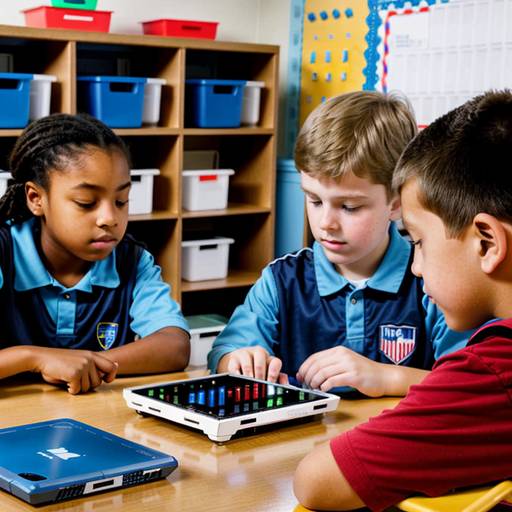
This lesson plan is designed for 4th-grade students to learn essential skills related to device maintenance and troubleshooting. The class begins with a discussion about the technology devices students use at school and home, followed by an introduction to the importance of device care and common issues they may encounter.
Students will engage in direct instruction on how to clean devices properly and perform basic troubleshooting steps for problems like slow performance or failure to power on. In small groups, students will practice maintenance tasks on various devices and create troubleshooting flowcharts for common issues.
The student groups will then present their findings and share their insights with the class, fostering collaboration and discussion. The lesson concludes with a brief assessment through a quiz, reinforcing their understanding of the content. Extensions to the lesson encourage students to apply their newfound knowledge at home and even teach their parents. This engaging and interactive approach helps cultivate a sense of responsibility toward technology.
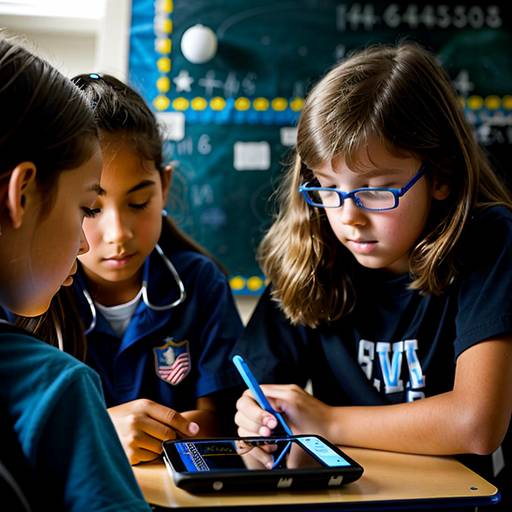
This 4th-grade technology lesson focuses on teaching students the fundamentals of device maintenance and troubleshooting techniques. The lesson begins with a discussion about students’ experiences with device issues to engage and connect with them. Key practices for maintaining devices, such as cleaning, proper charging, and software updates, are introduced, along with common problems and potential solutions.
Students are then divided into small groups, where they explore specific devices, discuss maintenance issues, and collaborate on developing troubleshooting strategies. Each group creates a troubleshooting guide that highlights their top tips. A gallery walk allows students to share and learn from each other’s contributions.
The lesson concludes with a reflection on the importance of caring for devices and the confidence gained from solving problems. Assessment is based on group engagement, the quality of troubleshooting tips created, and individual reflections submitted as exit tickets. Extensions encourage students to apply their skills at home, while adaptations ensure that all learners can participate meaningfully in the activities.
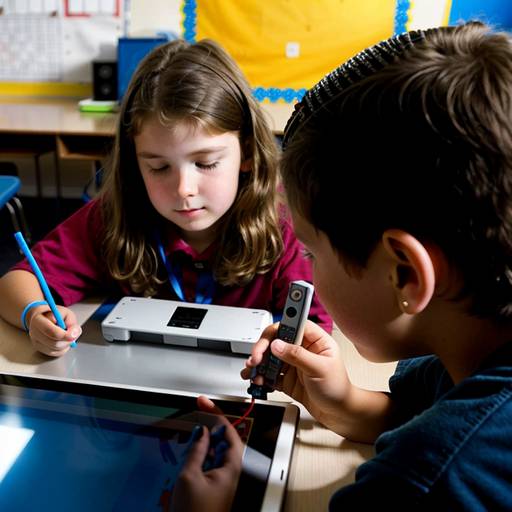
In this engaging 4th-grade technology lesson, students will explore the fundamentals of device maintenance and troubleshooting. The lesson begins with a captivating video that highlights common technology problems, followed by a discussion to identify students' frustrations with devices. The instructor will introduce the basic components of a device and emphasize the importance of regular maintenance and care.
Students will learn a straightforward troubleshooting method represented by the "ABCDE" acronym, which guides them in assessing and resolving typical device issues. Through an interactive group activity, students will work at scenario stations, discussing and applying the ABCDE method to various troubleshooting situations.
Following this activity, students will create a personalized maintenance checklist for their devices, encouraging them to take ownership of device care. The session will conclude with a recap of the key points learned and an opportunity for students to ask questions about technology challenges they face at home. Overall, this lesson aims to empower students with the skills necessary to maintain and troubleshoot their devices confidently.